0
LS Touch logo, black lettering against a grey background.

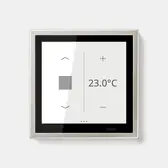
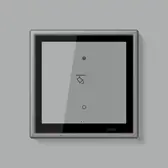
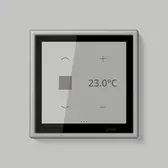
LS TOUCH - the smart KNX room controller

For comprehensive individual room control: LS TOUCH combines intuitive operation of the KNX functions with visualisation, and is our new, smart room controller.
LS TOUCH at a glance:
  • 32 KNX functions
  • proximity and brightness sensor 
  • external input for further sensor, e.g. push-button 
  • warning and alarm, also acoustic 
  • up to eight logic functions 
  • room thermostat with integrated split unit control 
  • four thermostats satellite units and four split unit satellite units
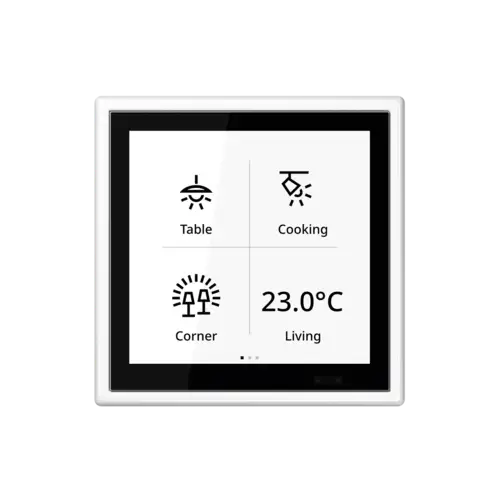
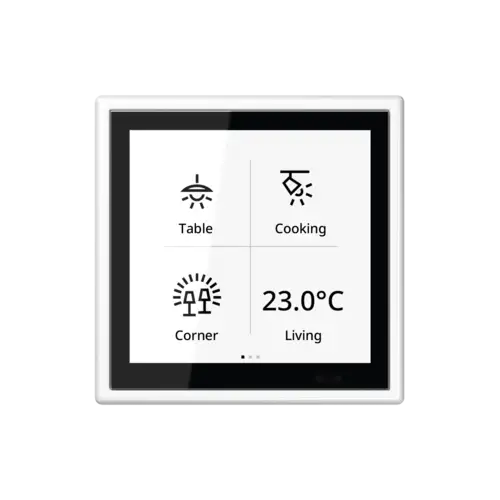
  • five favourite pages with up to four functions per page editable by the user 
  • commissioning with ETS 
  • intuitive menu navigation, customisable depending on project type 
  • high-resolution touch display 
  • changes by users possible
LS TOUCH covers up to 32 KNX functions per device. The thought behind the development of the smart room controller was to extend the classic KNX operation functionally and to bring it all into one device. Up to eight weekly timers allow users to control different functions at different times (e.g. in the evening, the lighting in the living room has the focus). Furthermore, they can change the times themselves, change favourites and adapt the menu: grid size, number of pages and layout can be adapted individually by the user. 

Multifunctional control unit

The KNX room controller LS TOUCH can be individually adjusted. An optimised menu structure with selectable user levels now allows the control of hotel rooms, meeting rooms or offices as well. Depending on the project type, different user levels can be offered.
Function update 2.06: new options for colour light control
The central innovation of the LS TOUCH KNX room controller is the separate processing of brightness, colour and saturation for RGB applications. LS TOUCH thus supports the new structure of modern DALI gateways, in which brightness is transmitted as a separate value.
HSV dimming with colour retention in white light
RGBW lamps are also supported: Instead of mixing white from RGB, a separate white LED is controlled. This noticeably improves the quality of light in the white range - with the same, familiar operating logic on the LS TOUCH.

RGBW dimming with automatic white light control
RGBW lamps with additional white LEDs can be controlled directly. If the saturation drops, LS TOUCH automatically reduces the RGB components and increases the white component - for atmospheric, warm white light.
Shading control without position feedback
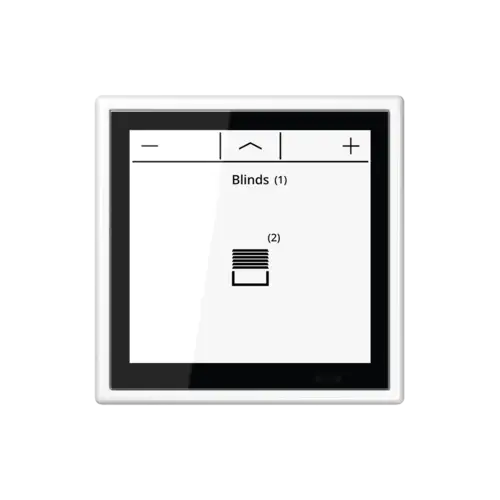
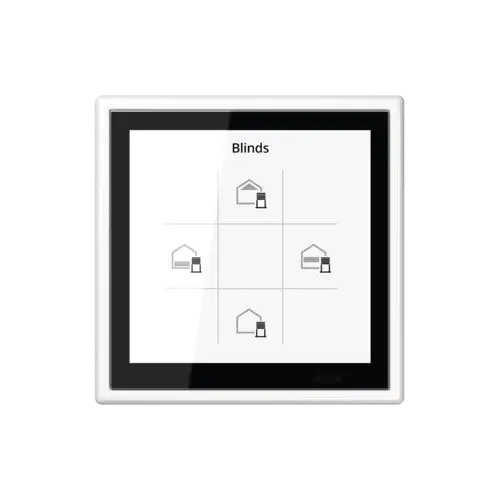
For shutters, awnings or blinds without position control, positioning can be deactivated on the user interface. Control then takes place via length and short-time commands - as with the KNX push-button sensors.
Control scenes and save them directly
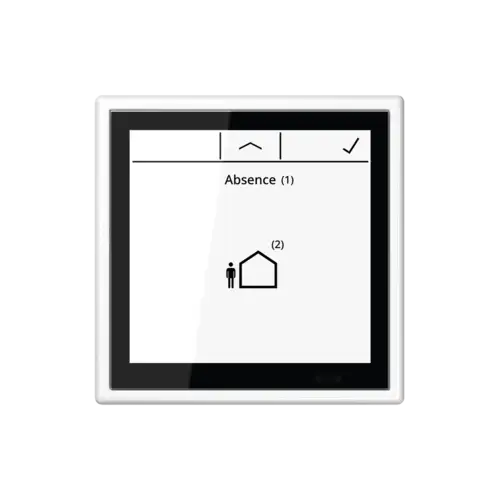
Scenes can not only be called up, but also saved. Saving is done simply by tapping the tick symbol on the display - comparable to the function of a push-button sensor as a scene extension.
Adjust values directly in the favourites view
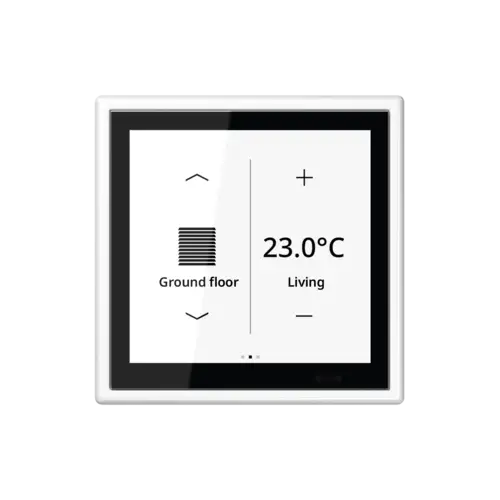
Values such as temperature or brightness can be changed directly on the favourites page without having to switch to the detailed view. The increment of the change is freely adjustable, as is a return if the limit value is exceeded.
Individually define frost and heat protection values
Separate limit values can be defined for frost and heat protection mode - independent of the general min. and max. values of the setpoint adjustment.
Adjust temperature in selectable steps
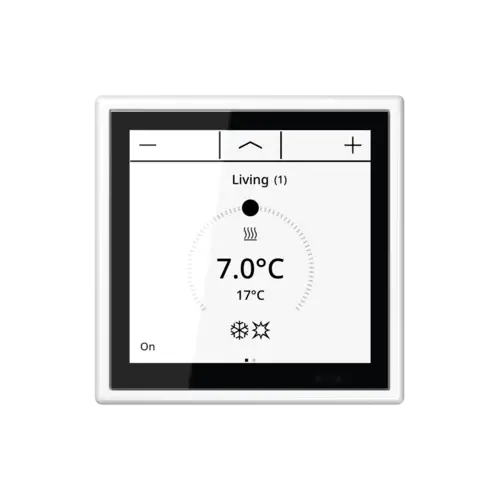
The setpoint temperature can be adjusted on the favourites page with a selectable step size between 0.1 K and 2.0 K. In the detailed view, the step size remains fixed at 0.1 K.
Overview of further functions
Control of split units
LS TOUCH controls up to four split units as satellite units. The setpoint temperature can be set individually, the operating mode can be switched and the fan speed can be adjusted. In this case, the temperature is controlled in the split unit system and LS TOUCH is used as a control element. Alternatively, the internal controller can automatically switch a split unit on and off, switch between heating and cooling or change the fan speed in the room - as required. It then decides when the split unit supports the underfloor heating system. In cooling mode, the split unit can be automatically controlled as a basic or additional cooling unit.
More favourite pages
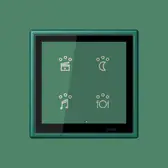
Up to five favourite pages with up to four functions can be set up – by the system integrator with the parameterisation in the ETS or by the user in the settings on the device.
Inscription of functions
The functions can be labelled at the favourites level. Depending on the available space, LS TOUCH displays either the complete description or an abbreviation. This makes the allocation of functions with the icons easier.
Other states
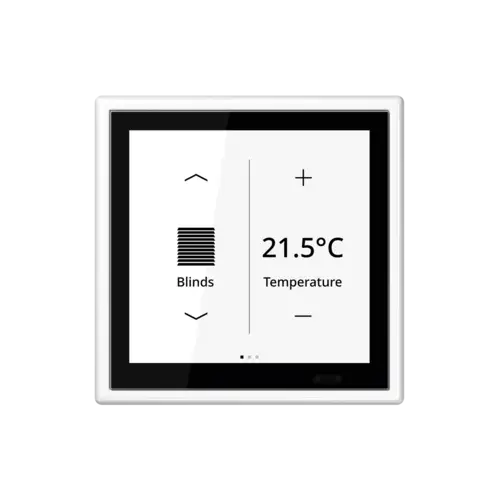
New icons in the favourite level show the states of the functions such as lighting and shading – with up to five different symbols per function. In this way, for example, it is immediately clear which position a Venetian blind is in.
Show values
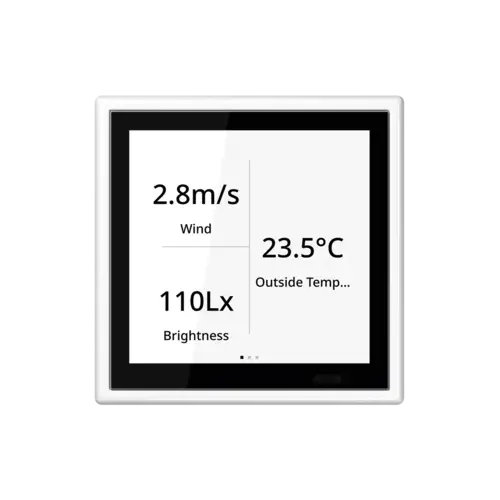
On the favourite page, a measured value or switch status can be displayed. In this way, LS TOUCH can serve, as well as a control unit, as a display element for states.
Changing the setpoint temperature
It is possible to retain or reset a change in setpoint temperature after an individual adjustment. In commercial spaces with changing users, resetting is a sensible idea. In living spaces, it is more common to want to retain the temperature change for the next day.
Adjustable default page
The commissioning software enables the integrator to specify the home page that will be displayed after the device is woken from stand-by mode.
Configurable vertical swipe gestures
The operating concept allows you to go directly up to the first favourites page with a vertical swipe gesture from top to bottom. A swipe gesture from bottom to top opens the menu page. For commercial projects, a flat operating structure may make more sense, with up to 20 functions being operated with direct access on the five favourites pages. In this case, the vertical swipe gestures can be deactivated to hide the menu and area pages.
Display of the regulator in the favourites
The setpoint can be increased or decreased directly on the favourite pages. A long button press always opens the detail page.
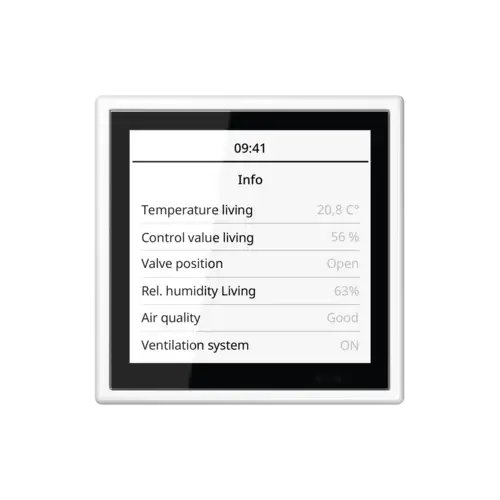
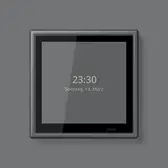
Info page as screen saver
The display of on/off status, percentage values and regulator values can be used as a screen saver. The info page can be chosen as the screen saver both during commissioning and also on the device.

Software updates

LS TOUCH is continuously being developed. Regular updates keep the firmware and ETS application up to date. All changes are described chronologically in the change log with version history. The firmware update tool and the current ETS application can be found in the JUNG online catalogue under LS TOUCH.
Numerous control possibilities in one display
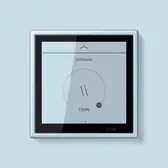
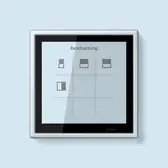
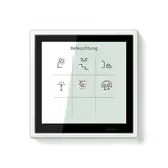
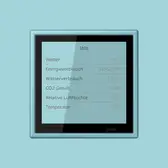
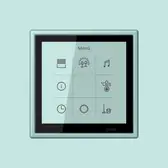
Thanks to the extended functions, the display works independently and can do without a higher level server to a certain extent. LS TOUCH measures and controls the room temperature and visualises the values on the display, among other things. The user interface for LS TOUCH relies on clear and unique symbols. The layout is reminiscent of the familiar JUNG KNX F 40 push-button, the operating philosophy reminiscent of the operation of smartphones – users will get on with it immediately. LS TOUCH gets its power supply via KNX.

Convenient control

The functions parameterised using ETS are reached by users by swiping on the display. As is familiar from the smartphone, you can move in this way through the menus and call the desired functions. Swipe movements are possible in all directions and the content of the menus is completely individual.

Operation in detail

Operation
Favourites
Timer switch
Screen saver
Password

Flexible possibilities

The installation height is 140 centimetres. Push-buttons, switches or window contacts: floating contacts can be connected to the binary input. The information thus obtained can trigger warning or alarm signals.

International interface for LS TOUCH

The KNX room controller LS TOUCH opens up to international markets. Alongside Latin characters, the LS TOUCH display can now display Asian characters. The info page can be used as a screen saver (it displays the most recently received value). 
Chinese
Korean

Variety of colour selection

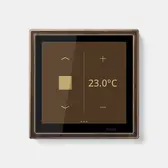
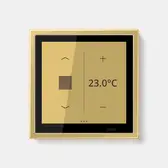
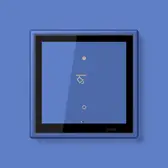
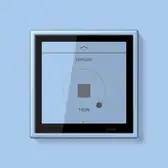
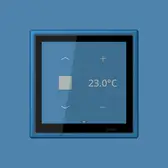
LS TOUCH is permanently connected with a 1-gang frame from the JUNG LS 990 or LS ZERO ranges and is available in a variety of materials and colours. The unique genuine metal versions in the ranges are ideal for the design of LS TOUCH. LS ZERO allows flush installation. Both ranges are available in the 63 Les Couleurs® Le Corbusier® colours. For every frame colour, the fitting background colour is stored in the user interface.
Genuine metal versions
Les Couleurs® Le Corbusier®

JUNG Newsletter

Product news, architecture references and smart home trends: With our JUNG newsletters you are always well informed when it comes to trends and news.

Contacts

Do you have any questions, requests, or suggestions about our products and solutions? Please contact us. We hope we can help you!