
Hotelcard RFID - customised configuration
With the RFID key card holder, we offer the option of changing the factory set
parameters to suit your requirements. To do this, you need a configured hotel card. By inserting this card into a key card holder, you can change the parameters as required. For example, set the colour of the status LED individually or adjust the run-on time of the switching output. Simply complete the form and we will send you a customised hotel card.
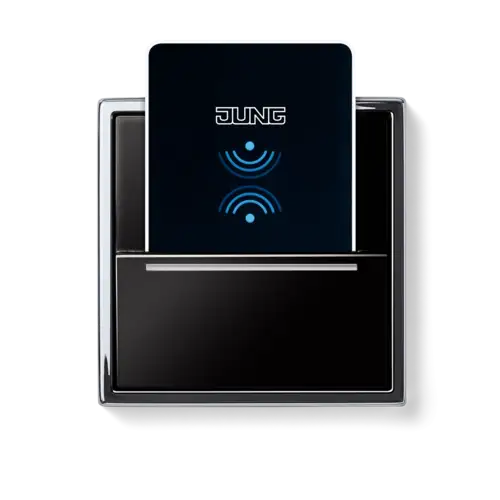
Configurable parameters:
Stand-by colour
Confirmation signal
Run-on time
This specification defines the LED colour and brightness WITHOUT the hotel card inserted. By default, the LED lens is BLUE and the brightness is set to 60%.
If you select the colour GREEN for the stand-by colour, the other visual feedback changes to BLUE.
If you select the colour GREEN for the stand-by colour, the other visual feedback changes to BLUE.
Confirmation signal
This specification defines the DURATION of the lighting as visual feedback immediately after the hotel card is inserted. By default, the LED lens lights up
GREEN
for 30 seconds at a brightness of 60%. You can increase the light duration of the confirmation signal up to 240 seconds. If you have set the stand-by colour to GREEN, the confirmation signal will be BLUE.
Presence brightness
This defines the BRIGHTNESS of the lighting WITH the hotel card inserted. The factory set colour of the LED lens is GREEN with a brightness of 10%. If you set the stand-by colour to GREEN, the LED lights up BLUE.
Run-on time
This specification defines the DURATION for how long the power supply is maintained after the hotel card is removed. By default, the switching output remains closed for 60 seconds. You can increase the time up to 240 seconds. After the hotel card is removed, the LED pulses for the set time and then changes to the stand-by colour.