
KNX Secure: sicurezza nell'edificio intelligente
Nessuna manipolazione e nessuna registrazione del traffico dati: anche in un edificio intelligente, la protezione dei dati ha la massima priorità. Per questo motivo, utilizziamo il primo standard di sicurezza al mondo indipendente dal produttore e dall'applicazione per gli edifici intelligenti. KNX Secure protegge due volte e mette al sicuro tutti i dati con l'algoritmo AES128.

Implementazione sicura della tecnologia di automazione degli edifici: con KNX Secure, l'edificio intelligente è sicuro, anche tra dispositivi diversi (ad esempio, JUNG Visu Pro Server) e i loro metodi di connessione. KNX Secure utilizza tecnologie cablate e wireless (KNX RF) per creare una rete flessibile e sicura per la tecnologia di automazione domestica e degli edifici. La crittografia protegge le informazioni sia sul bus KNX (Data Secure) che nella LAN (IP Secure).
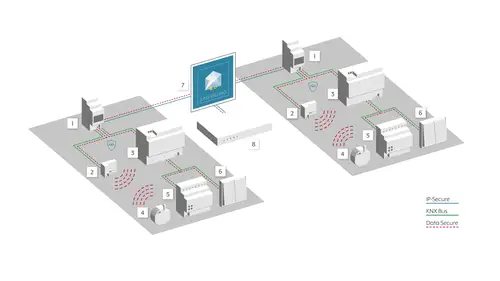
Doppiamente sicuro con KNX Secure
In che modo la direttiva NIS 2 influirà sulla progettazione tecnica degli edifici?
Il numero di attacchi informatici alle infrastrutture critiche, alle istituzioni pubbliche e alle aziende sta aumentando rapidamente, causando danni ingenti. In risposta a ciò, l'UE ha introdotto la direttiva NIS 2, che stabilisce requisiti di sicurezza estesi che influenzeranno molti progetti di pianificazione e costruzione nel prossimo futuro.
Messa in servizio KNX Secure:sicuro, veloce e semplice, grazie alle app innovative
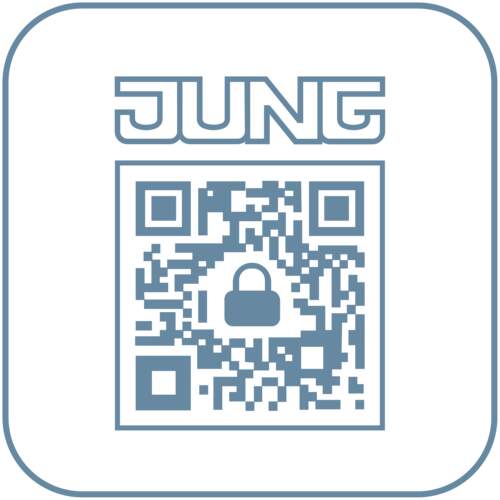
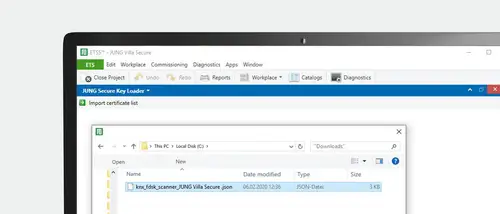
Affinché un'installazione KNX sia sicura, gli installatori hanno bisogno dei certificati dei dispositivi per i singoli componenti. Questi devono essere integrati in ETS e vengono quindi stampati come codice QR direttamente sui dispositivi JUNG. Il processo di digitazione dei certificati dei dispositivi, che richiede molto tempo ed è soggetto a errori, non è più necessario grazie alle app sicure di JUNG.
Applicazioni KNX Secure
Scanner sicuro JUNG KNX


Manutenzione remota del sistema KNX
I requisiti tecnici
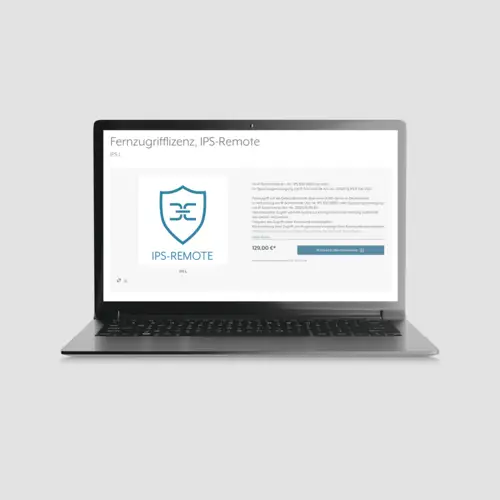
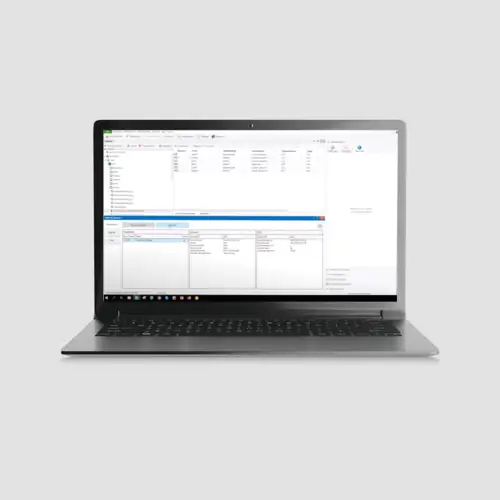
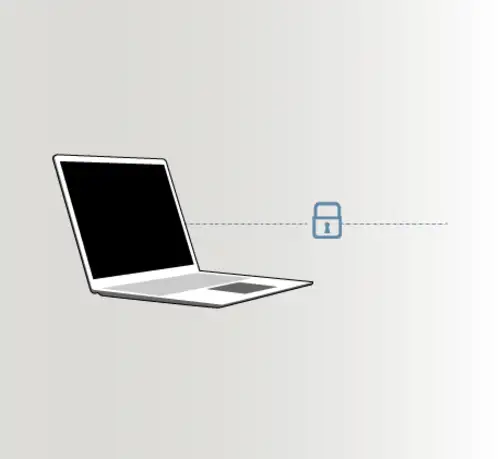
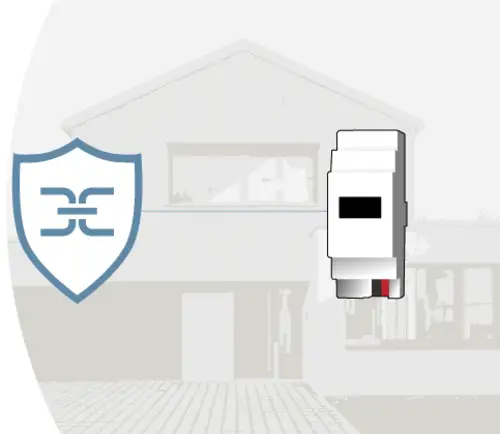
Per la manutenzione a distanza di un sistema KNX, sono disponibili due componenti: l'interfaccia IP e l'alimentatore con interfaccia IP. Per i progetti più piccoli, con un massimo di 25 dispositivi KNX, l'alimentatore KNX con interfaccia IP è ideale. Per progetti di grandi dimensioni o per l'installazione a posteriori, ad esempio, della visualizzazione con Smart Visu Server, gli installatori scelgono l'interfaccia IP, integrando così la manutenzione remota separatamente.



IPS remoto testato per la sicurezza
In qualità di fornitore di sicurezza informatica, Antago GmbH si è occupata fin dall'inizio del tema delle case intelligenti. In questo contesto, l'azienda ha esaminato da vicino il sistema di manutenzione remota JUNG IPS-Remote.
L'APPROVAZIONE DEL COSTRUTTORE RENDE IL SISTEMA SICURO JUNG
IPS-Remote funziona sempre con il consenso del proprietario dell'edificio per la manutenzione remota. Se ha bisogno di aiuto nella sua casa intelligente, deve prima dare la sua approvazione. Questo riduce al minimo la finestra temporale per un attacco teorico. IPS-Remote garantisce anche il senso di sicurezza del proprietario dell'edificio, perché se qualcosa non è accessibile dall'esterno, non può essere attaccato.
L'APPROVAZIONE DEL COSTRUTTORE RENDE IL SISTEMA SICURO JUNG
IPS-Remote funziona sempre con il consenso del proprietario dell'edificio per la manutenzione remota. Se ha bisogno di aiuto nella sua casa intelligente, deve prima dare la sua approvazione. Questo riduce al minimo la finestra temporale per un attacco teorico. IPS-Remote garantisce anche il senso di sicurezza del proprietario dell'edificio, perché se qualcosa non è accessibile dall'esterno, non può essere attaccato.
Sicurezza da un unico fornitore
JUNG offre una tecnologia di sistema KNX sicura con una gamma completa di componenti: dalla base con l'interruttore KNX e gli attuatori per veneziane, i pulsanti KNX e i componenti di sistema come accoppiatori di linea, router IP, interfaccia IP o interfaccia dati USB fino alla visualizzazione. Le soluzioni con JUNG KNX Secure garantiscono la sicurezza dei dati grazie ai più moderni processi di crittografia.
Sensori manuali
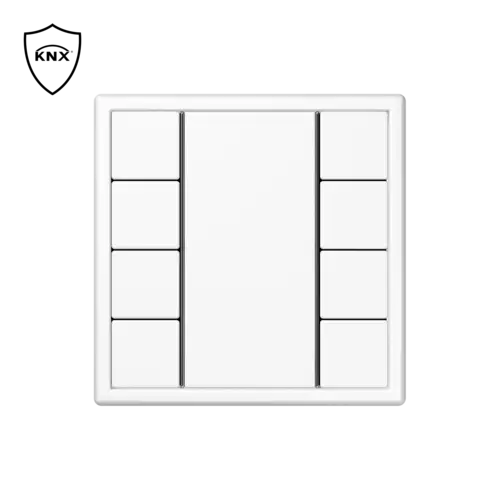
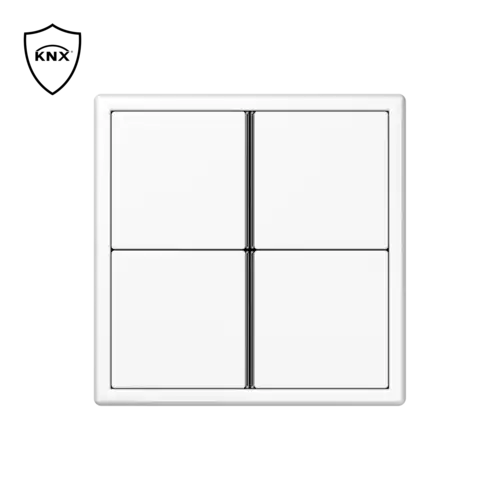
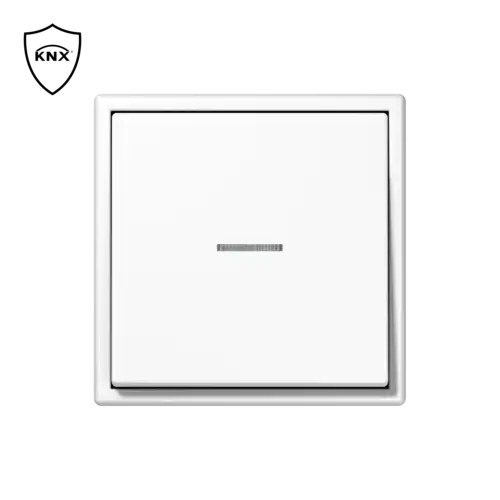


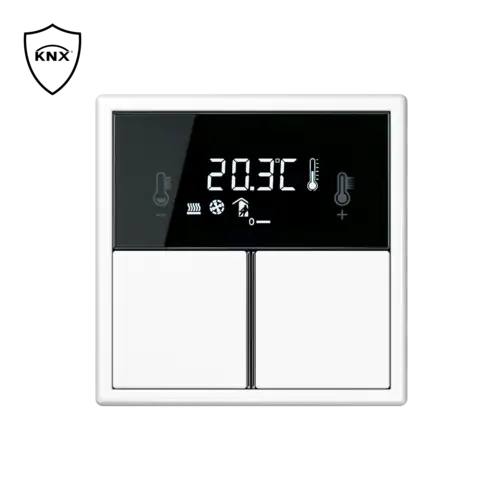

Attuatori

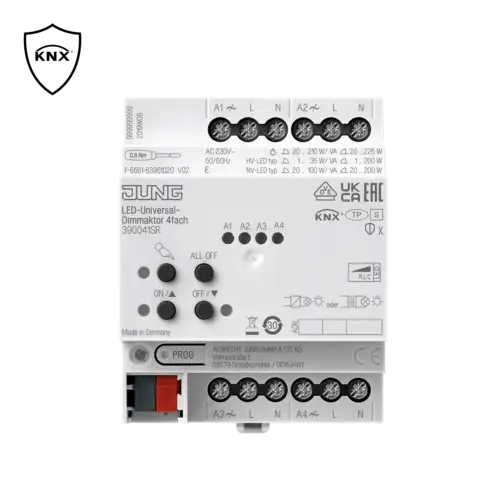
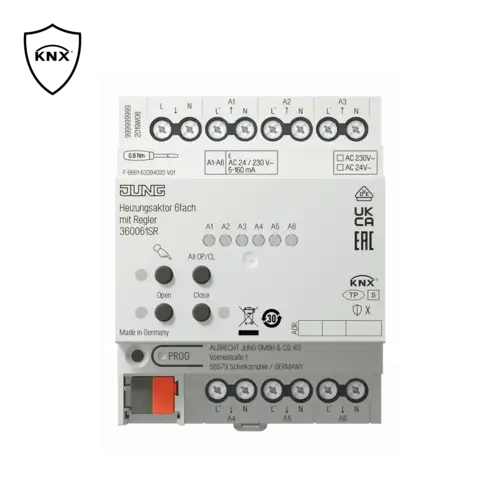
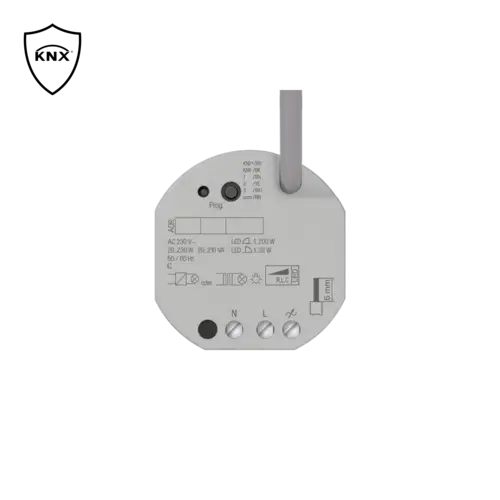


Componenti del sistema
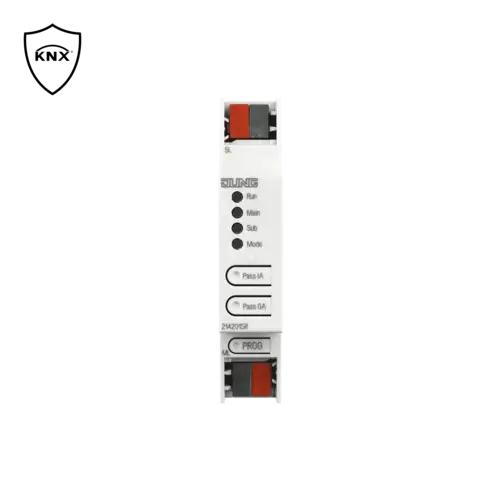
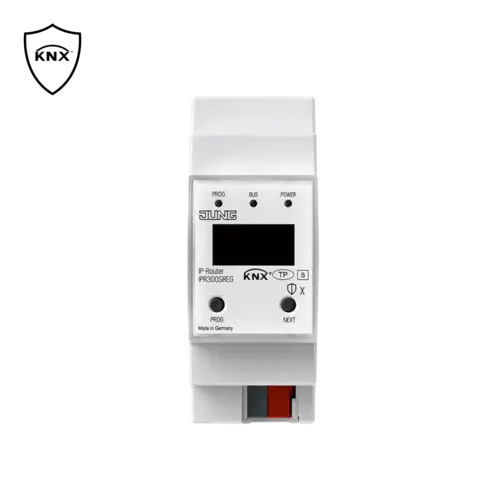
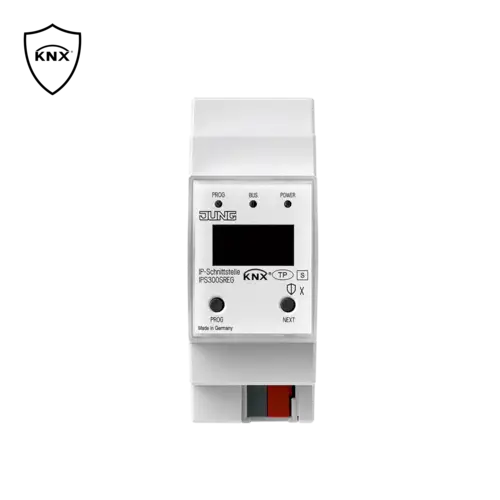
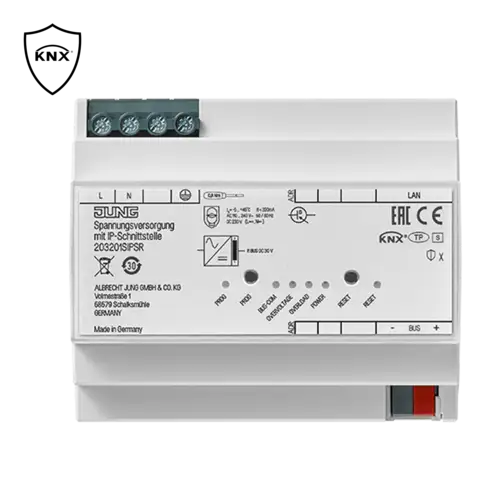
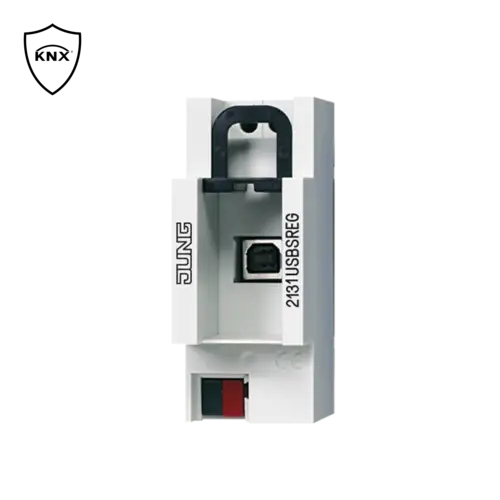
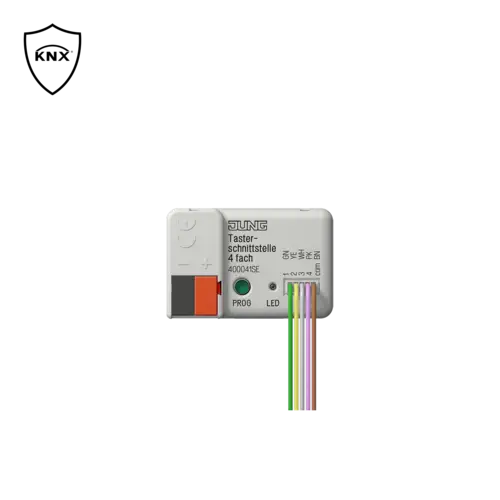
Controllo centrale e gateway
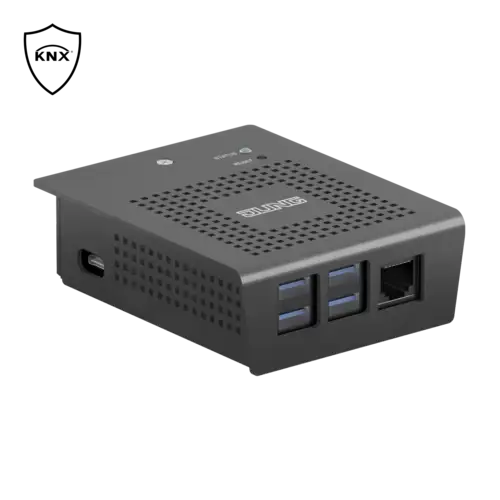

Scaricare i database in modo semplice e veloce
Il catalogo online di JUNG contiene database, schede tecniche e molto altro per ogni prodotto KNX Secure. Gli integratori hanno sempre a disposizione tutte le informazioni e i download in modo rapido e chiaro.
Esempi di applicazione/casi d'uso

A new warehouse fits logistically and architecturally into the arrangement of the existing building. Similarly, there is no need to rethink automation in order to integrate the new warehouse into the existing KNX system.
Use the already used central devices (e.g. weather station, visualisation) of the existing system and enhance them with the devices in the newly built section.
Objective of the project
- Resource and cost saving expansion of an existing system
- Utilisation of synergy effects from the existing system
- Galvanic separation of the new sections
- Increase of the maximum expansion length
Steps in ETS
- Add new line
- Add IPR 300 S REG as KNX IP router
- Use IPR 300 S REG in unencrypted mode
- Activate and put filter tables into operation
- Commission all other devices according to the manufacturer specifications
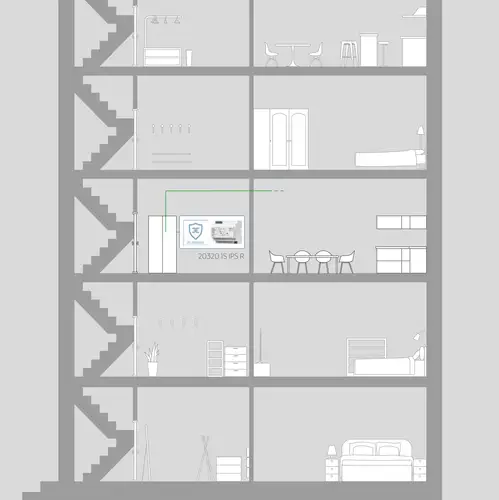
Individually design your own realm: KNX provides many automation possibilities. For a new building, create a new KNX project. Then integrate the desired devices after the power supply with IP interface.
With optimal selection of devices you reduce power consumption and increase efficiency. If needed, simply retrofit a visualisation without extending the KNX system components.
Objective of the project
- Resource and cost saving construction of a new installation
- High performance and future-proof installation
Steps in ETS
- Create a new project.
- Add new line
- Add 203201SIPSR as KNX data interface
- Commission all other devices according to the manufacturer specifications

Your own four walls to your own taste. Here, KNX offers many individual automation possibilities. For a new building, create a new KNX project. To do so, you need an IP interface and then integrate the required devices.
The optional software upgrade of the interface enables remote planning and maintenance: after commissioning, it is thus possible to access the system from outside of the customer network - naturally with the permission of the house owner. Remote maintenance means no more driving time. If needed, a visualisation can be retrofitted without extending the KNX system components.
Objective of the project
- Resource and cost saving construction of a new installation
- High performance and future-proof installation
In connection with the optional software upgrade:
- Subsequent project design possible without travel costs
- The highest level of security during commissioning even from outside the customer network
Steps in ETS
- Create a new project.
- Add new line
- Add IPS 300 S REG as the KNX data interface
- Commission all other devices according to the manufacturer specifications
In connection with the software upgrade
- Purchase the IPS Remote licence via MyJUNG
- Allocate project password
- Use IPS 300 S REG in encrypted mode
- Input the device certificate
- Allocate the release code for the remote configuration
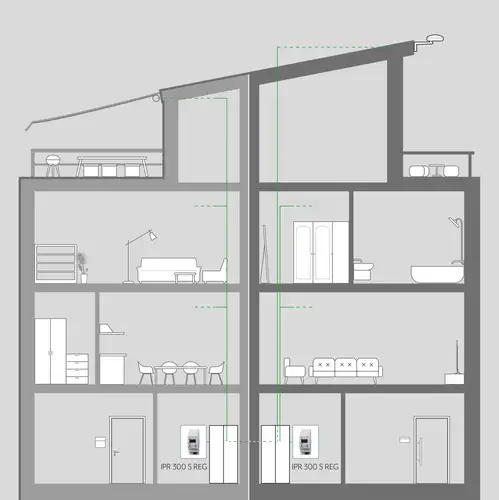
Two homes under one roof. Here, KNX offers many individual automation possibilities. For a new building, create a new KNX project. You take account of each party with its own KNX IP router and then integrate the desired devices.
This division ensures that each party can only access its own KNX island system. At the same time, central components can, however, be jointly used. In this way, a central weather station provides the two individual house parties with data relevant for automation.
Objective of the project
- Exact separation of both living areas
- Joint use of central components
Steps in ETS
- Create a new project.
- Add new lines
- Add IPR 300 S REG as an IP router in each case
- Use IPR 300 S REG in unencrypted mode
- Activate and put filter tables into operation
- Activate the lock for reprogramming the sub-line (e.g. exterior)
- Commission all other devices according to the manufacturer specifications
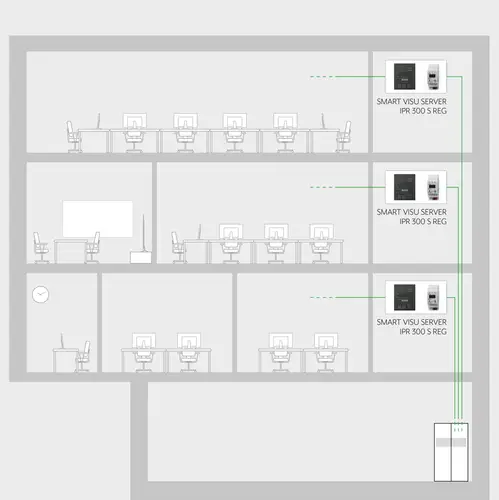
The demands on multi-floor office buildings are as various as the world of work. For such a new building, you should provide one KNX IP router and one Smart Visu Server per floor. Thus, each floor can function for itself, but still be managed centrally.
If a floor is modernised during its useful life, all other areas are optimally protected against possible construction work damage. Central devices, such as a weather station, are simply integrated into the overall system via a separate or existing KNX IP router. It is recommended to plan a separate line for the central devices.
Objective of the project
- Functional reliability of the entire system
- Guaranteed connection between the visualisation and the KNX bus
- Galvanic separation in the event of a fault
- Increased speed of transmission of central commands
- Reduced cabling costs (only install network in each section)
Steps in ETS
- Create a new project.
- Add line
- Add IPR 300 S REG as an IP router in each case
- Use IPR 300 S REG in unencrypted mode
- Activate filter tables
- Use and start up the preferred connection in the application (for visualisation communication)
- Establish IP tunnelling for visualisation (use reserved tunnel)
- Commission all other devices according to the manufacturer specifications
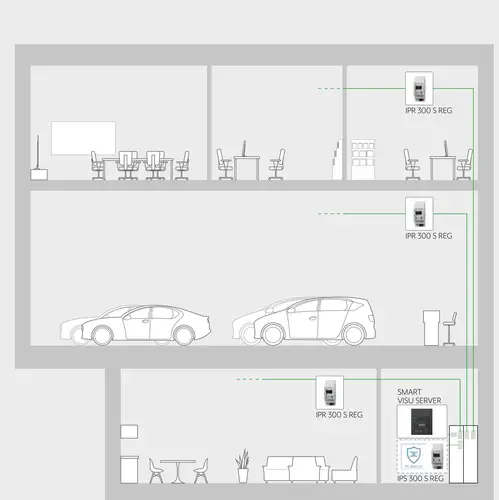
When planning a car dealership, the organisational, economic and architectural viewpoints should be considered. It is important in addition to be able to easily optimise the building in the future.
To this end, use one IP router per working area. In addition, provide a Smart Visu Server as the central control component. Thus, each area can function for itself, but still be managed centrally. If an area is modernised during its useful life, all other areas are optimally protected against possible construction work damage. You should plan a separate line for the central devices.
After commissioning, individual optimisation of the system can also be made possible from outside the customer network. For this you need an additional IP interface and the software upgrade for the interface.
Objective of the project
- Functional reliability of the entire system
- Guaranteed connection between the visualisation and the KNX bus
- Galvanic separation in the event of a fault
- Increased speed for transmission of central commands
- Reduced cabling costs (only install network in each section)
In connection with the optional software upgrade:
- additional project configuration possible without travel costs
- The highest level of security during commissioning even from outside the customer network
Steps in ETS
- Create a new project.
- Add lines
- Add IPR 300 S REG as an IP router in each case
- Use IPR 300 S REG in unencrypted mode
- Activate filter tables
- Use and start up the preferred connection in the application (for visualisation communication)
- Establish IP tunnelling for visualisation (use reserved tunnel)
- Commission all other devices according to the manufacturer specifications
In connection with the software upgrade:
- Add IPS 300 S REG as the KNX data interface
- Purchase the IPS Remote licence via myJUNG
- Allocate project password
- Use IPS 300 S REG in encrypted mode
- Input the device certificate
- Allocate the release code for the remote configuration

Create professional feel-good factors with building automation: provide your guests with the highest level of comfort with state of the art technology in the background and operate your hotel building with maximum energy efficiency.
A central weather station allows location-based weather data to flow into the building automation system. The heating regulation is reduced with rising outdoor temperatures and thus saves money and resources. The system should be operated in a fully encrypted KNXnet / IP network so that you can always benefit from these advantages. This makes potential hacker attacks on your building automation infrastructure significantly more difficult.
Objective of the project
- Resource and cost saving construction of a new installation
- Optimisation and automation of daily processes
- Protection of the customer data
- Encrypted communication
- Protection from hacker attacks
- High performance and future-proof installation
Steps in ETS
- Create new project and assign project password
- Add lines
- Add IPR 300 S REG as an IP router in each case
- Use IPR 300 S REG in encrypted mode
- Input the device certificate
- Change commissioning password (optional)
- Change authentication code (optional)
- Activate filter tables
- Use and start up the preferred connection in the application (for visualisation communication)
- Establish IP tunnelling for visualisation (use reserved tunnel)
- Commission all other devices according to the manufacturer specifications
Additional note
- Passwords are not required when the project is open.
- The commissioning password must be entered if the project is not open.
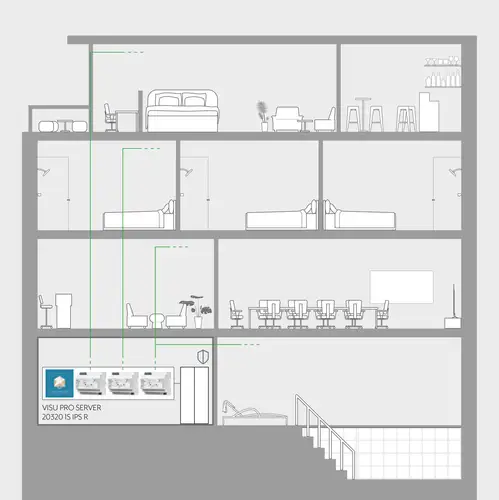
Modern hotels set new standards for individual convenience. Provide added value for your guests with building automation and relieve hotel personnel. The smart hotel can cover several areas.
For example, the temperature in all rooms can be set or changed from a central location. A DND (Do Not Disturb) or MUR (Make Up Room) request from the guest can also be viewed at a central location. This allows you to optimally plan and execute the daily cleaning process. As sensitive data are also transmitted in such a hotel, we recommend protecting the data using state of the art technology. Operate a fully encrypted KNXnet/IP network for this to protect your guests and customers. The protection of customer data has the side effect that you as hotel owner are also optimally protected against hacker attacks on your building automation technology.
Objective of the project
- The security of guest data has the highest priority
- Communication according to the latest security standards
- Each section is considered as its own "island"
- Project design can be reproduced almost infinitely
- JUNG Visu Pro (JVP) Hotel manages central information of each "island" via the KNX-IP interface
- The required knowledge is reduced to a minimum in the event of a fault
- Minimisation of spare device storage
- Replacement devices can be pre-programmed
Steps in ETS
- Create new project and assign project password
- Add lines
- Add 203201SIPSR in each case as an IP interface
- Use 203201SIPSR in encrypted mode
- Input the device certificate
- Change commissioning password (optional)
- Change authentication code (optional)
- Use and start up the preferred connection in the application (for visualisation communication)
- Establish IP tunnelling for visualisation (use reserved tunnel)
- Commission all other devices according to the manufacturer specifications
Additional notes
- Passwords are not required when the project is open.
- The commissioning password must be entered if the project is not open.