0

JUNG Building Information Modelling

Quality, timeliness and transparency in all phases of planning: For BIM-supported building planning, we provide you with BIM objects in various levels of detail for free download.
Building Information Modelling (BIM) defines the structural processes within the planning process and enables architects and planners to develop a component-oriented, three-dimensional building model. All relevant data and properties are saved in the BIM model and can therefore be accessed by all project participants. In this way, planning with BIM simplifies the exchange of information between the individual trades and contributes to cost-efficient realisation.

With our BIM offer, we support you in integrating the familiar assembly logic and the design matrix of the JUNG solutions into your planning data. For this purpose, we provide free configurators as add-ins for Archicad and Revit. JUNG planning data for the LS 990 switch range can also be called up directly in the Vectorworks electrical installation tool. The configurators also give you the option of compactly configuring the JUNG assemblies in your familiar planning environment, integrating them into your planning and subsequently adapting them.
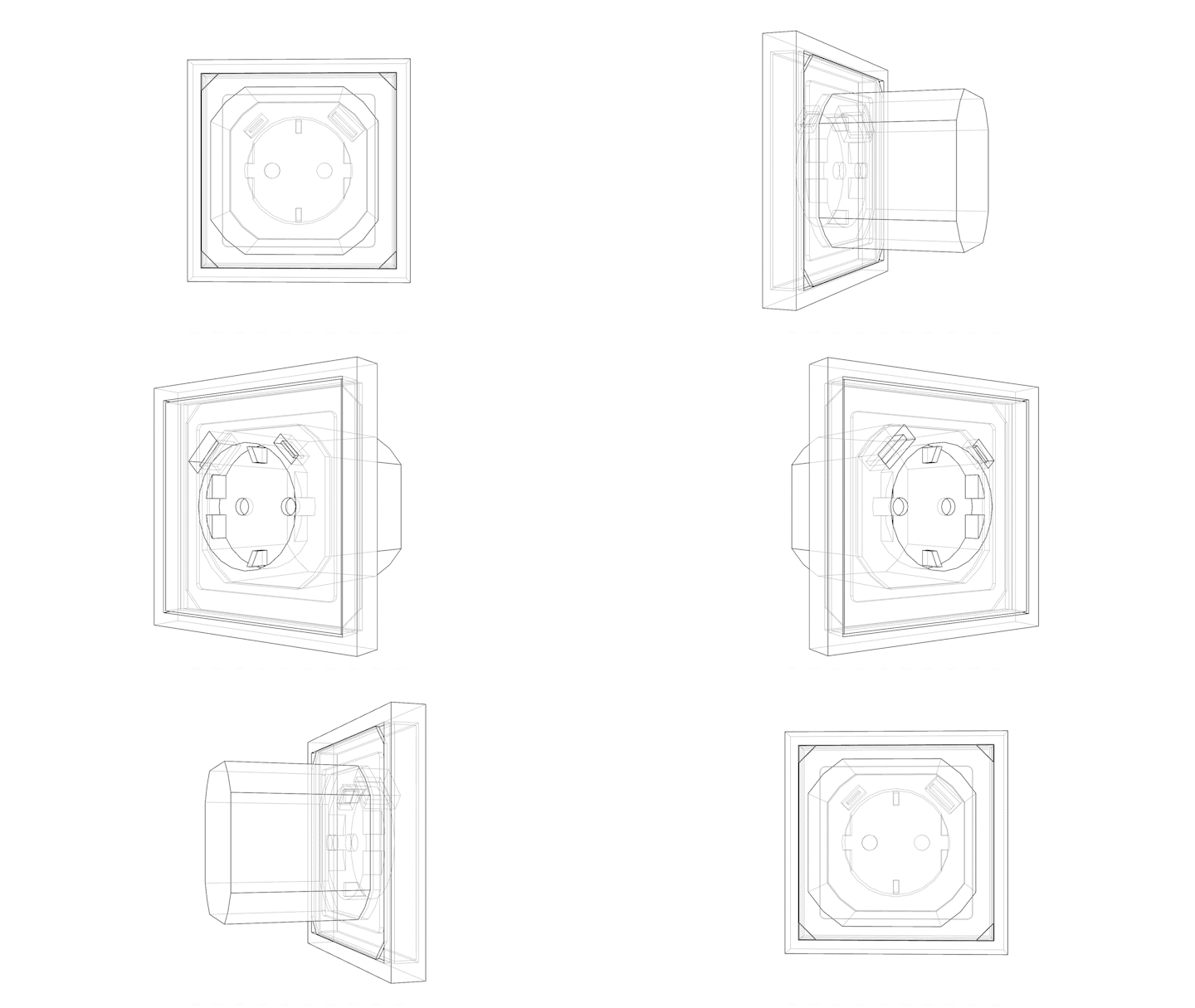

For all those who do not work with these planning programmes, an online database is available in the JUNG.Partcommunity.

What is a good BIM object?
General requirements
  • Intuitive operation
  • good performance due to small file size
  • Semantic correctness of the attributes
Trade-specific requirements
  • electrotechnical symbols in floor plans & electrical connectors
JUNG specific requirements
For easy handling and correct planning:
  • Switch assembly logic
  • Generation of assemblies according to design matrix to avoid incorrect combinations

More information on the individual offers

Autodesk Revit*
JUNG configurator as an add-in in your familiar planning environment
Graphisoft Archicad**
JUNG product library in your familiar planning environment
Free choice of format for all
JUNG BIM catalogue with free choice of format in the JUNG.Partcommunity

JUNG configurator for Revit

The JUNG configurator for Revit enables the free creation of customised switch and socket outlet combinations directly in the BIM model in your familiar planning environment. Frames, covers and inserts are guided logically and incorrect combinations are automatically excluded.
Detailed product data, standardised classifications and geometries optimised for the various planning phases support calculations and calls for tender. The configurator enables the integration of around 10,000 articles from the JUNG range and thus covers a holistic spectrum of building technology and electrical engineering. The articles are available as native BIM and 3D objects and can be planned directly in the model in all available colours and designs. Customisable DIN symbols for size, colour and position ensure a clear plan overview. The customisation of visible construction elements via the menu is visible in all plan views at the same time. This results in efficient, precise and reliable electrical planning in the BIM process.
JUNG planning data: optimised for your building project
  • Logic check prevents incorrect product combinations
  • Comprehensive product information is directly available
  • Optimised geometry is suitable for both high-quality
    representations as well as for extensive planning
  • Freely scalable and customisable schematic symbols
  • Standardised classifications for the OpenBIM process
  • Simple quantity determination via parts lists
  • Selection of country-specific product portfolios
Download: JUNG switch configurator for Revit
Here you can download the switch configurator for Revit 2026 and the manual. We also have downward-compatible versions (up to Revit 2024) available for you.

JUNG product library for Archicad

With the JUNG product library, you receive the free configurator for JUNG switch series and JUNG complete devices as a plug-in for Graphisoft Archicad. The configurator gives you the option of supplementing your planning with single or multiple combinations of switches and sockets.
The configurator enables the integration of around 10,000 articles from the JUNG range and thus covers a holistic spectrum of building technology and electrical engineering. The articles are available as native BIM and 3D objects and can be planned in all available colours and designs. All planning-relevant product characteristics such as material, dimensions and performance features are stored in the BIM objects. Incompatible combinations are excluded by a logic check. Adjustments to the visible planning components via the menu are simultaneously visible in all planning visualisations. A direct link leads to detailed product information in the JUNG online catalogue. Finally, exact quantities and order lists can be generated directly from the project.
Planning data from JUNG optimised for your building project
  • Logic check prevents incorrect product combinations
  • Comprehensive product information is directly available
  • Optimised geometry is suitable for both high-quality representations
    as well as for extensive planning
  • Circuit symbols in accordance with DIN EN 60617-2
  • Standardised classifications for the OpenBIM process
  • Simple quantity determination via parts lists
For download: JUNG product library for Archicad
Here you can download the current product library for Archicad and the user manual.

JUNG product library for Vectorworks

From Vectorworks 2026 Update 2, the data of the LS 990 switch range is available in the Vectorworks electrical installation tool according to the proven modular principle. You can call them up directly in the Vectorworks environment, configure them and display them in all available JUNG colour and material variants. This turns planning into a realistic, inspiring design experience.

The electrical installation tool in Vectorworks makes the planning of electrical installations easier, more precise and significantly more efficient. The tool combines technical accuracy with aesthetic presentation and thus enables professional conversion of electrical installations in the digital building model. Automatic evaluations, clean data structures and the integration of JUNG solutions guarantee error-free and visually appealing planning - from the first draft to the finished documentation.

JUNG.Partcommunity

If you do not work with the CAD ranges Autodesk Revit or Graphisoft Archicad, our JUNG.Partcommunity is just right for you. This is a platform where you can download JUNG planning data in over 120 different data formats.
The JUNG.Partcommunity is based on the established CADENAS technology and gives you access to precise, performance-optimised and geometrically reduced BIM and CAD objects of our products. Per project structure, you can insert JUNG items individually, as an assembly or in the form of individual devices. All data sets contain the technical information relevant to your planning and support an efficient digital workflow.
Maximum flexibility for any planning software
  • Optimised for the use of OpenBIM processes
  • Contains parameters that can be used for calls for tender
  • Supports area-based placement
  • Data available in over 120 CAD and BIM formats
  • Free download of 2D and 3D models
  • Resource-saving, reduced geometry
  • Certified data quality through manufacturer approvals
  • Simplified integration into a wide range of software platforms

*Autodesk, the Autodesk logo are registered trademarks or trademarks of Autodesk, Inc. and/or its subsidiaries and/or affiliates in the United States and/or other countries. All other brand names, product names or trademarks are the property of their respective owners. Autodesk reserves the right to change product and service offerings, specifications, and prices at any time without notice and assumes no responsibility for typographical or graphical errors that may appear in this document. © Autodesk, Inc. all rights reserved.


**GRAPHISOFT, Archicad, BIMx, EcoDesigner BIMCloud are registered trademarks of GRAPHISOFT SE. Other names may be trademarks of their respective owners.