0

JUNG switches on the MattoBoard

Create 3D material collages quickly and easily via drag & drop: we make the whole colour variety of our LS 990 and LS 1912 switch range available on the MattoBoard for producing individual mood boards. There is the option to combine JUNG switches with over 1,000 materials and products.

This is MattoBoard

Test colours, combine appropriate materials and make a product selection: MattoBoard helps to assess the aesthetics and the interaction of our light switches with other product solutions for the interior design. The comprehensive material selection enables you to show your customers your design intentions with the help of high-resolution materials and corresponding lighting situations.
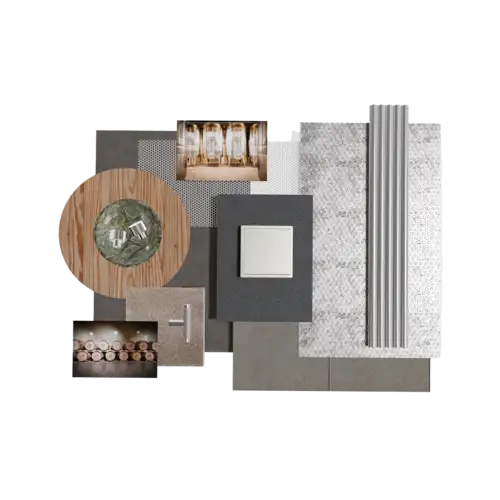
LS 990 in stainless steel
LS 990 in stainless steel in a collage made from different materials and textures such as wood, metal and stone as well as photos of a wine cellar with barrels - the range is versatile.
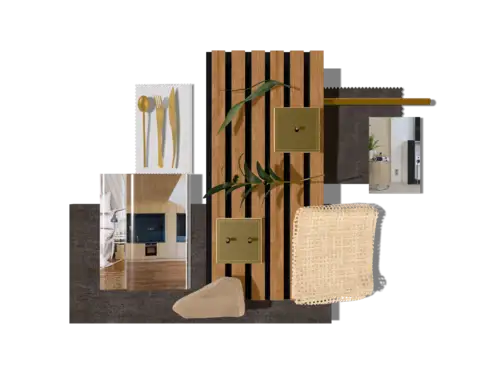
LS 990 in classic brass
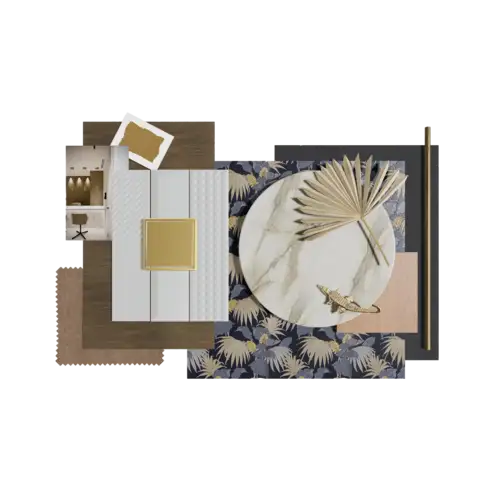
LS 990 in classic brass with different materials and textures: with the MattoBoard, you quickly see how e.g. a marble slab, wood and decorative elements work with the range.
LS 990 in antique brass
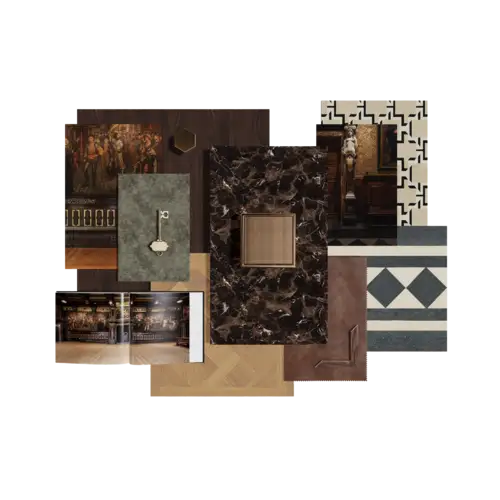
The LS 990 range in antique brass blends into classic environments with different materials such as wood, marble and leather. MattoBoard ideally demonstrates the effect.
LS 990 in matt graphite black and matt snow white
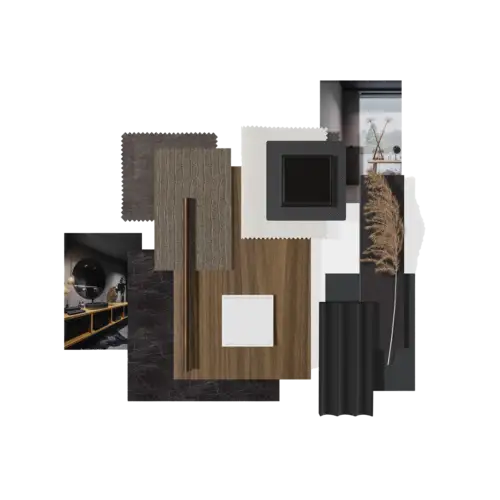
MattoBoard is the digital material and textile sample: LS 990 in matt graphite black or matt snow white comes into its own with a combination of pure colour tones.
LS 990 in Les Couleurs® Le Corbusier®
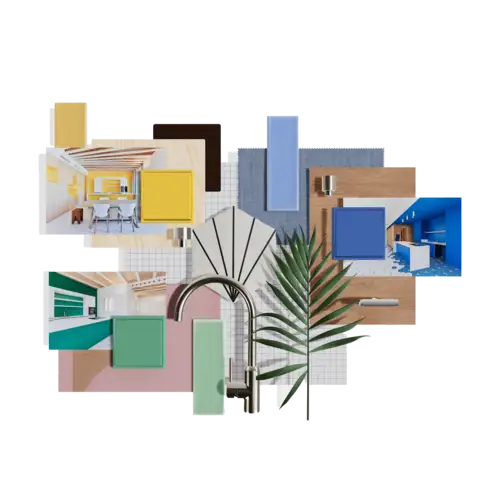
LS 990 in the 63 Les Couleurs® Le Corbusier® colours brings freshness to the interior. MattoBoard helps with the colour selection in a wide variety of interiors.
New: LS 1912 in 1-gang and 2-gang
LS 1912 in seven elegant finishes gives a contemporary twist to the aesthetics of the classic toggle switch and brings the mechanics of switching to life in a new way.

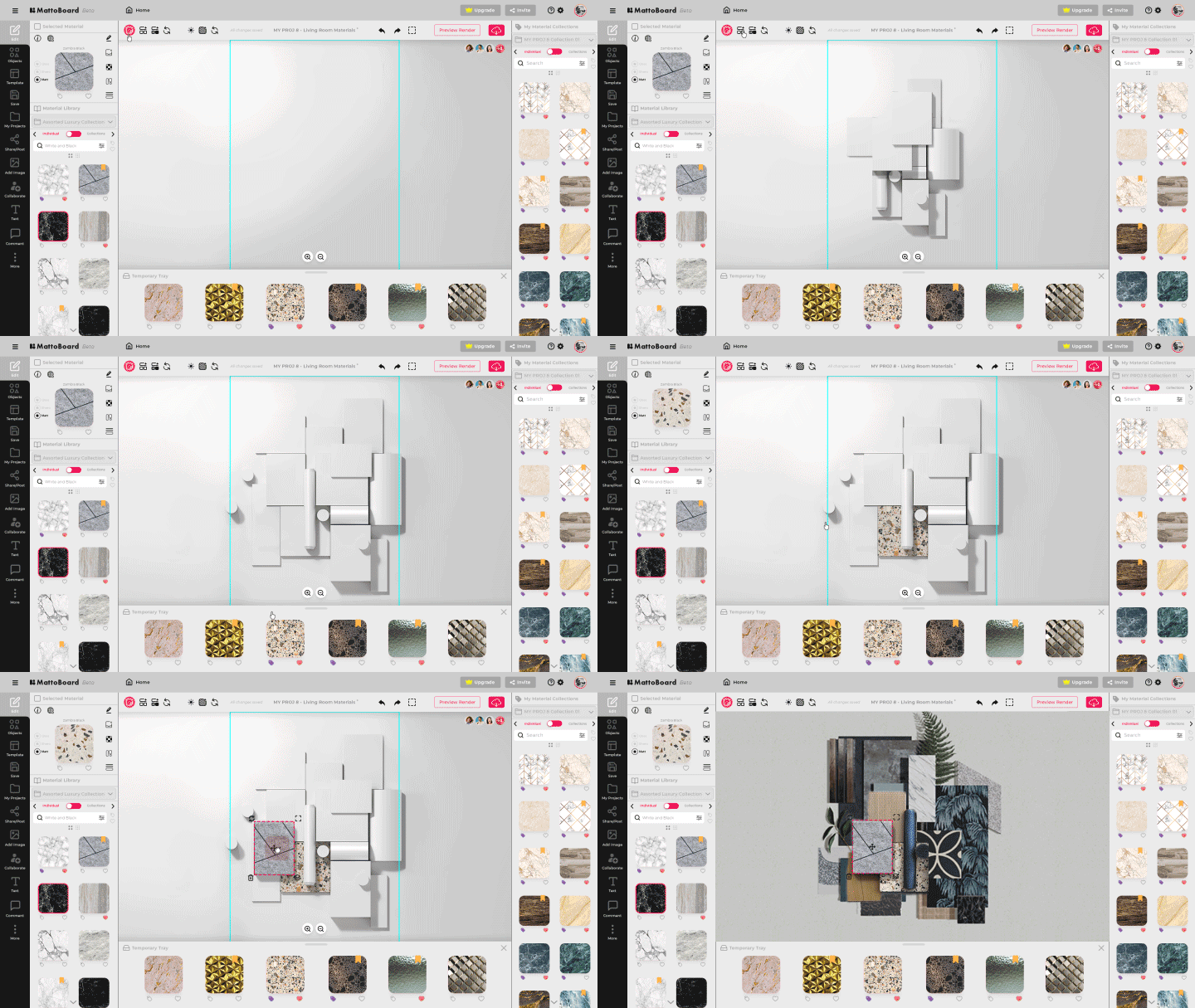
This is how MattoBoard works

MattoBoard is an extensive material library consisting of product solutions from well-known manufacturers. The intuitive operation enables the quick creation of your first mood board.
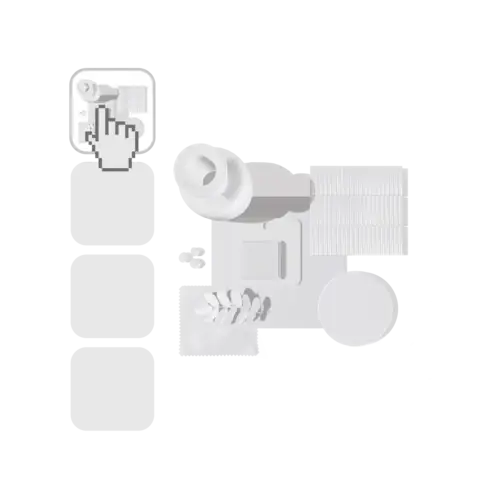
Step 1:
Select templates and customise them
Step 2:
Find products and materials
Step 3:
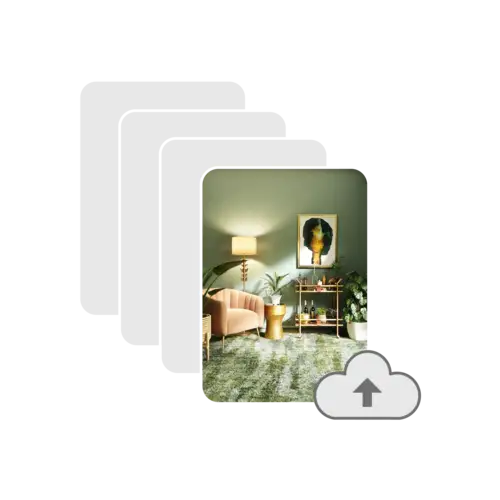
Insert images via drag & drop
Step 4:
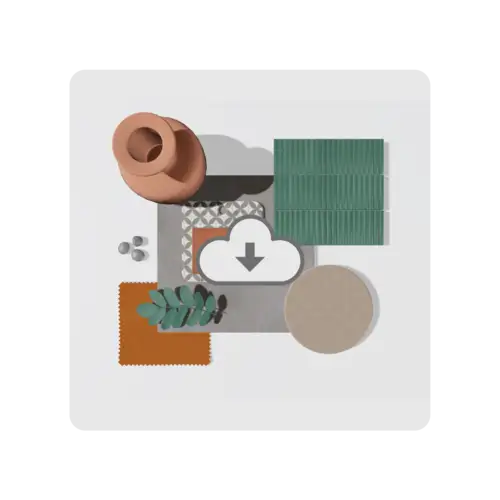
Share or download a 3D mood board

Get inspired!

Architects, interior designers and planners all over the world rely on our innovative solutions and continually find innovative and unusual design approaches. Whether a residential, commercial or hotel building: our reference database is an homage to your creative achievement with technical products.