
Smart Panel 8 - really smart
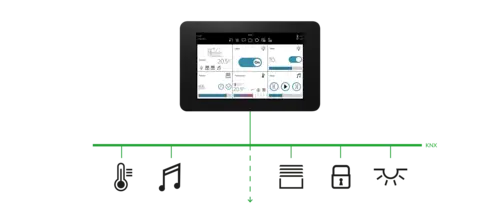
The JUNG KNX touch display Smart Panel 8 is the solution for visualising your KNX system – without an additional server. Centrally on the wall and decentrally with a tablet or smartphone in the local network: the JUNG Smart Panel 8 provides comprehensive possibilities for intuitively controlling your KNX system.
The Smart Panel 8 at a glance
- Smart Vision graphical user interface to operate KNX devices
- comprehensive and cost-efficient visualisation of KNX
- operation with the JUNG Smart Vision app for smartphone or tablet
- remote access via the myJUNG cloud
- stand-alone solution without needing your own server
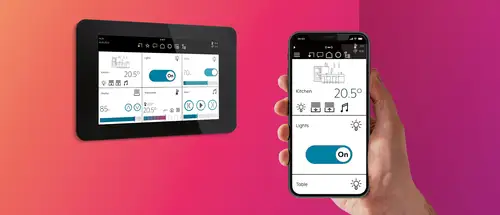
Remote control using the Smart Vision app
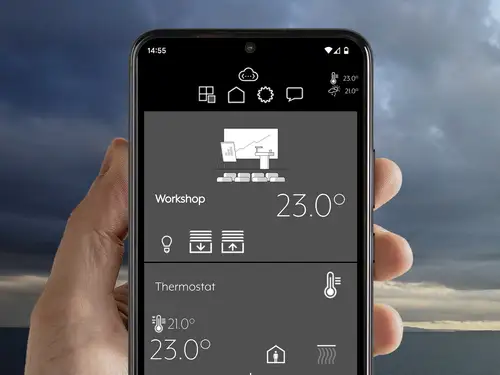
On the couch, from the kitchen, in the garden: with the Smart Vision app, you can also control the Smart Panel 8 using your smartphone or tablet.


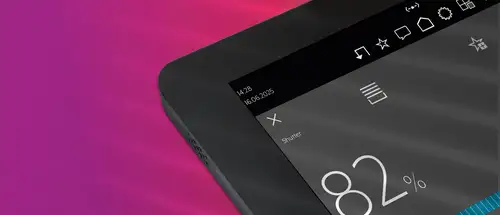
Intuitive and smart
Sensors and functions
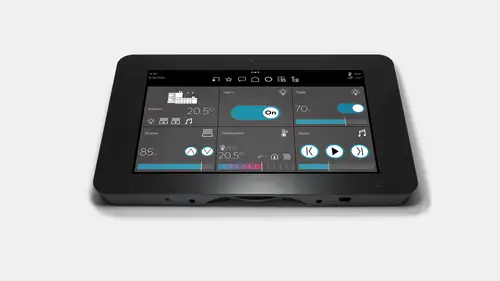
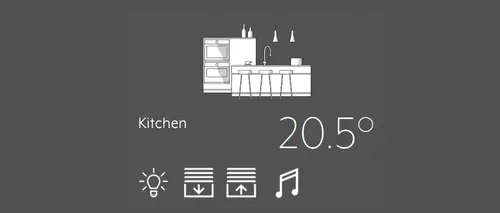
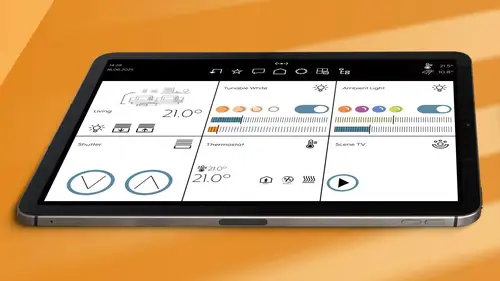
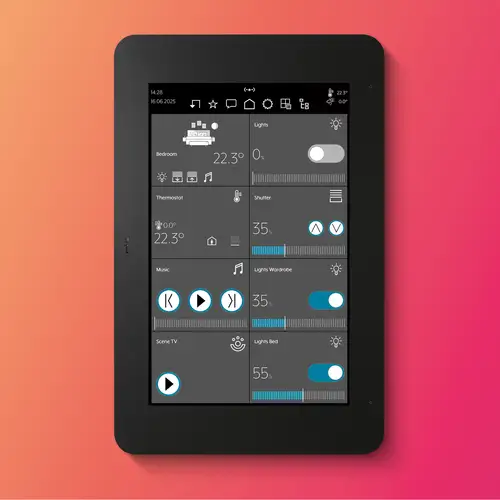
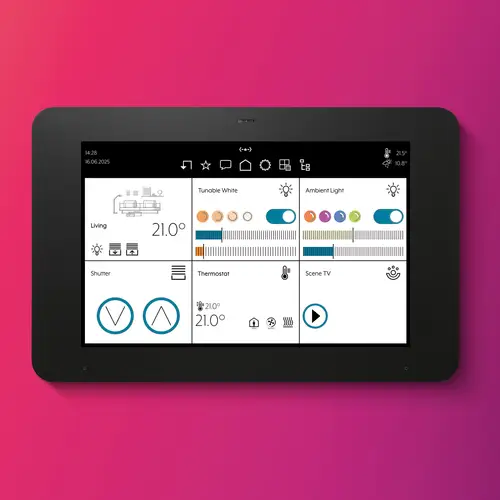
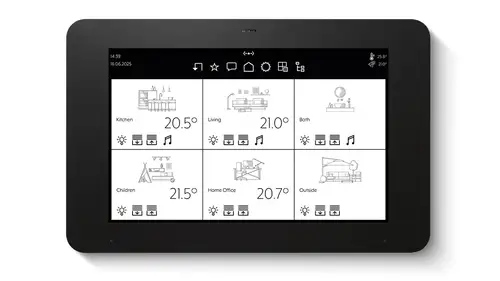
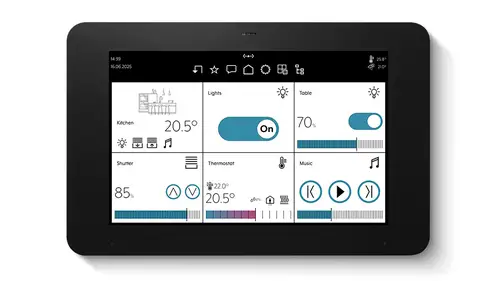
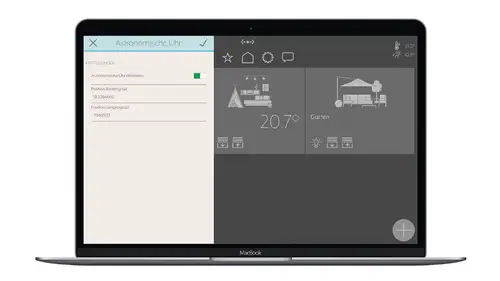
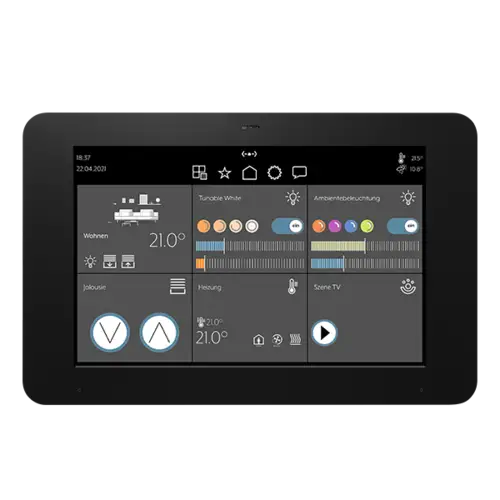
Clear display in the Smart Vision app: it displays rooms and elements as large tiles.
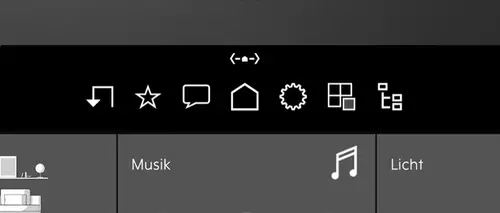
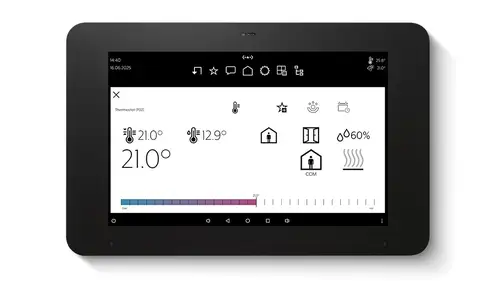
In the navigation bar you have quick access to the room view, settings, favourites or the last events registered.
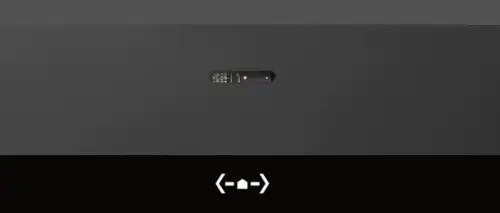
A proximity sensor and a brightness sensor detect when you are standing in front of the panel and regulate the display brightness according to the ambient light.
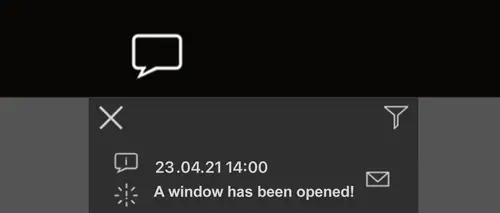
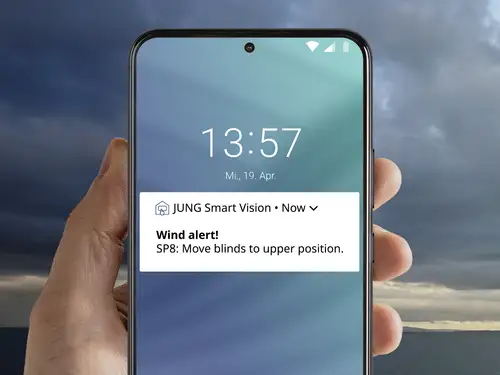
Important events are displayed as pop-up messages. If needed, an acoustic signal can also sound. Pop-up messages are displayed on the panel or a smartphone.
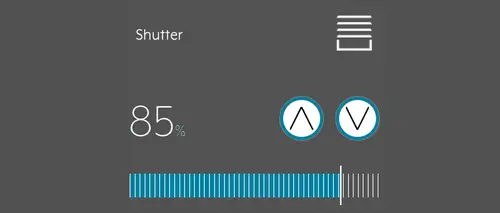
The functions are stored as elements (icons). You can call them directly here.
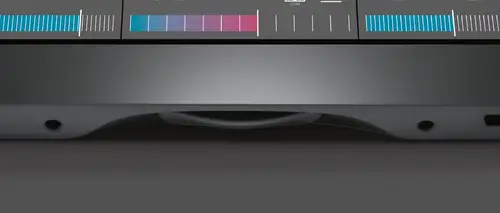
The physical button switches the Smart Panel 8 on and off. Additionally, a short press opens the Launcher.
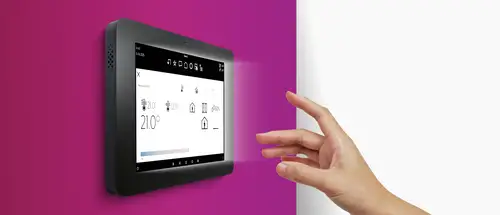
Automatic proximity detection
Thanks to the proximity sensor, the Smart Panel 8 wakes up from standby as soon as you are standing there. That saves energy, but all functions are still directly available.
Up-to-date through updates
Smart Panel 8 is continuously being further developed in order to optimally support the constantly growing requirements for building technology functions. Information on the latest adjustments and optimisations can be found in the changelog.
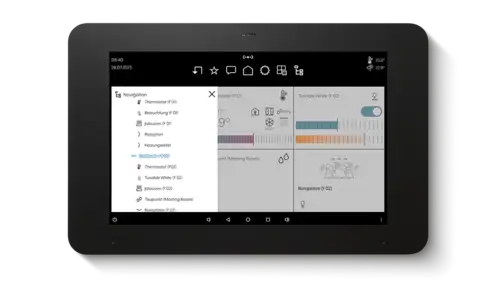
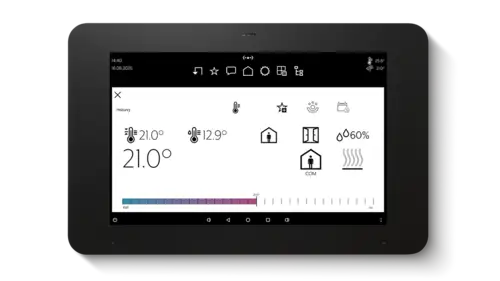
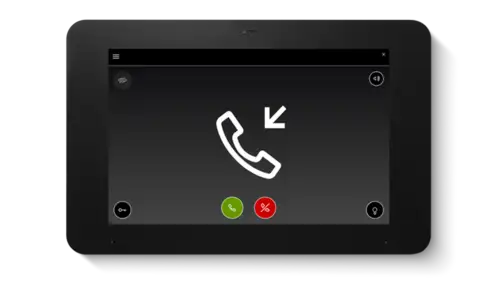
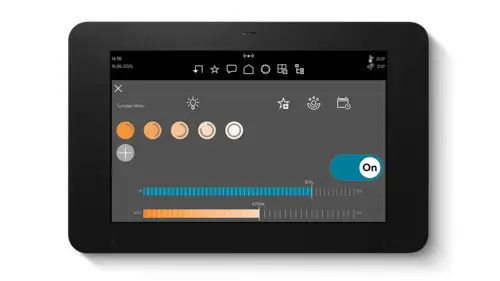
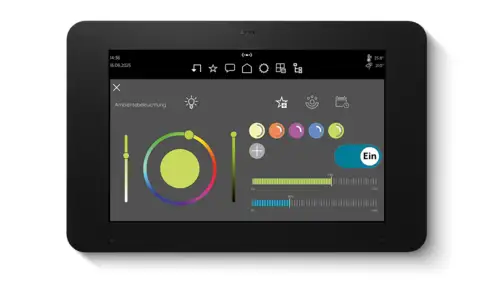
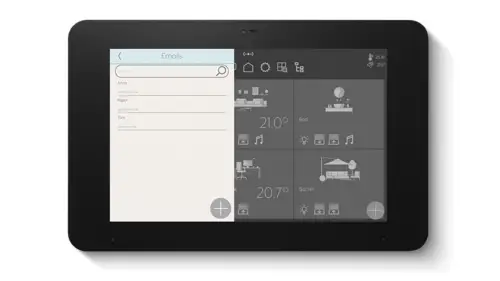
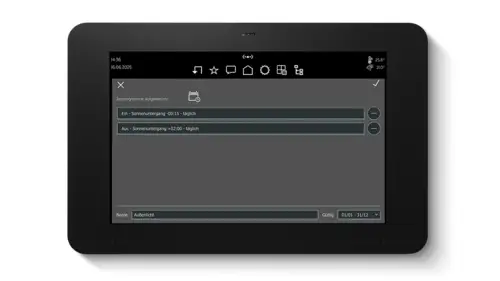
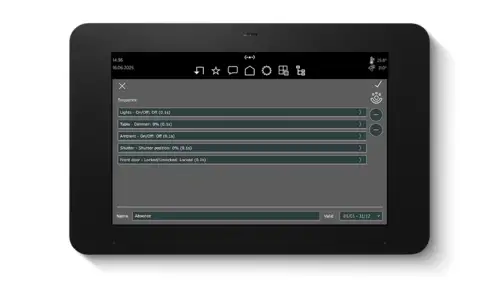
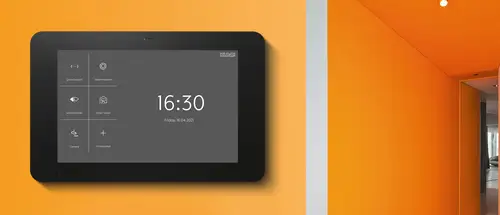
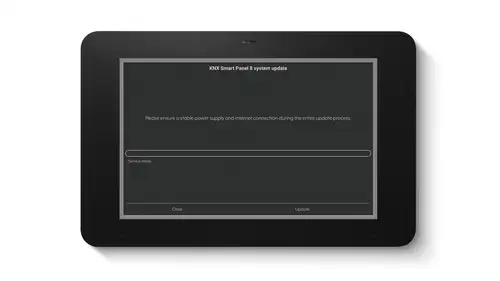
The heart of the Smart Panel 8 is the Launcher. Here you have the possibility of starting other apps such as QuickSupport, Screencleaner or JUNG Camera. In addition, you install updates here or call the panel settings using the logo at top right. To call the Launcher at any time, briefly press the HOME button in the middle on the lower edge of the Smart Panel 8.
Application areas
Smart Home
Smart building

Smart Panel 8 in detail
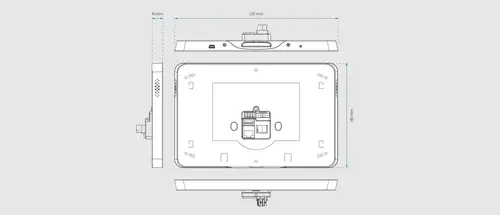
Flat device, extensive equipment: on the back of the Smart Panel 8 all the important connections are available. Right at the bottom on the edge of the touch panel there is the HOME button. The Smart Panel 8 can be installed in many existing boxes (retrofit).
JUNG has thought particularly of modernisers with the Smart Panel 8. The touch panel is ideally suited for retrofitting and fits onto the familiar flush EBG 24 installation housing and the SC 7 EBG. Installation onto the standard device housing in accordance with EN 60670-1 is also possible. The recommended box depth is around 60 millimetres.
Installation and fitting


If you use a Facility Colour Touch Panel IP, Smart Panel 5.1 or the signal panel, you can upgrade now. The new Smart Panel 8 fits into the existing flush-mounting box and covers it seamlessly.


Commissioning and maintenance
Programming
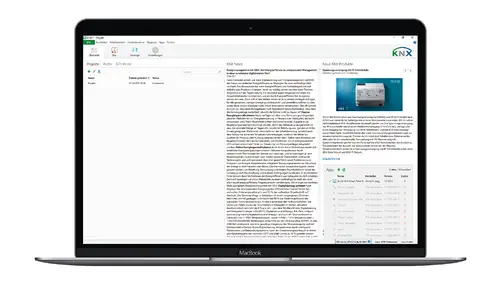
The programming of the Smart Panel 8 comes at the end. The installer then programs visualisation, communication objects and group addresses of KNX actuators, sensors and push-buttons into the device with the help of the ETS.
More information


Discover the Live Services from JUNG


JUNG Newsletter
Product news, architecture references and smart home trends: With our JUNG newsletters you are always well informed when it comes to trends and news.