
KNX Secure: security in the smart building
No manipulation and no recording of the data traffic: even in a smart building, data protection has the highest priority. For this reason, we use the world's first manufacturer and application-independent security standard for smart buildings. KNX Secure protects twice and secures all data with the AES128 algorithm.

Secure implementation of building automation technology: with KNX Secure, the smart building is secure, even across different devices (e.g. JUNG Visu Pro Server) and their connection methods. KNX Secure uses both wired and wireless technologies (KNX RF) to create a flexible and secure network for home and building automation technology. The encryption secures the information both on the KNX bus (Data Secure) and in the LAN (IP Secure).
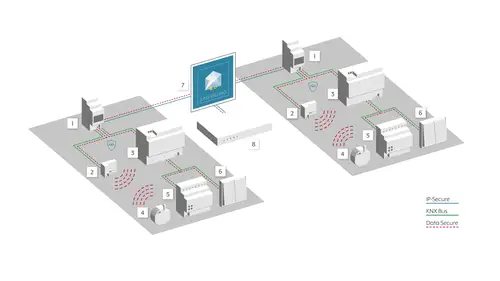
Doubly secure with KNX Secure
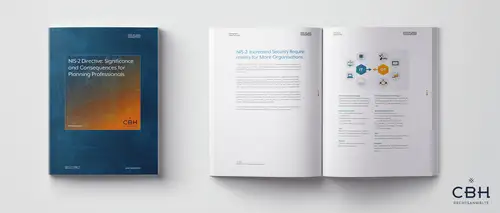
How will the NIS 2 Directive affect the technical planning of buildings?
The number of cyber attacks on critical infrastructure, public institutions and companies is increasing rapidly, causing immense damage. In response, the EU has introduced the NIS 2 Directive, which sets out extended security requirements that will affect many planning and construction projects in the near future.
Commissioning KNX Secure:secure, fast and simple, thanks to innovative apps
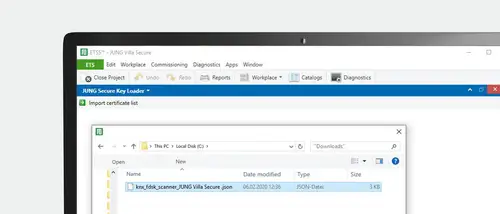
So that a KNX installation is secure, installers need the device certificates for the individual components. They must be integrated in ETS and are therefore printed as a QR code directly on the JUNG devices. The time-intensive and error-prone process of typing the device certificates is no longer necessary using the JUNG secure apps.
KNX Secure apps
JUNG KNX Secure Scanner




Remote maintenance of the KNX system
The technical requirements
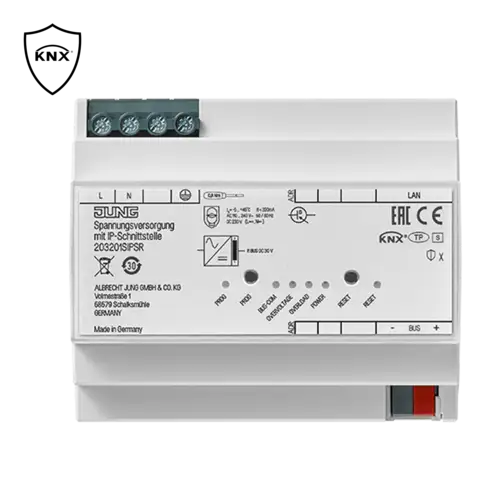
For remote maintenance of a KNX system, two components are available: the IP interface and the -power supply with IP interface. For smaller projects with up to 25 KNX devices, the KNX power supply with IP interface is ideal. With large projects or for retrofitting of, for example, visualisation with Smart Visu Server, installers pick the IP interface and thus supplement the remote maintenance separately.



IPS-Remote auf Sicherheit geprüft
Als Anbieter für IT-Sicherheit hat sich die Antago GmbH von Anfang an auch mit dem Thema Smart Home beschäftigt. In dem Zusammenhang hat sich das Unternehmen die Fernwartung JUNG IPS-Remote genauer angeschaut.
FREIGABE DURCH DEN BAUHERREN MACHT DAS SYSTEM SICHER
JUNG IPS-Remote arbeitet bei der Fernwartung grundsätzlich mit der Zustimmung des Bauherrn. Benötigt dieser Hilfe in seinem Smart Home, muss er zunächst eine Freigabe erteilen. Dadurch ist das Zeitfenster eines theoretischen Angriffs auf ein Minimum reduziert. IPS-Remote garantiert zudem auch die gefühlte Sicherheit beim Bauherrn, denn wenn etwas nicht von außen erreichbar ist, kann es auch nicht angegriffen werden.
JUNG IPS-Remote arbeitet bei der Fernwartung grundsätzlich mit der Zustimmung des Bauherrn. Benötigt dieser Hilfe in seinem Smart Home, muss er zunächst eine Freigabe erteilen. Dadurch ist das Zeitfenster eines theoretischen Angriffs auf ein Minimum reduziert. IPS-Remote garantiert zudem auch die gefühlte Sicherheit beim Bauherrn, denn wenn etwas nicht von außen erreichbar ist, kann es auch nicht angegriffen werden.
Security from one provider
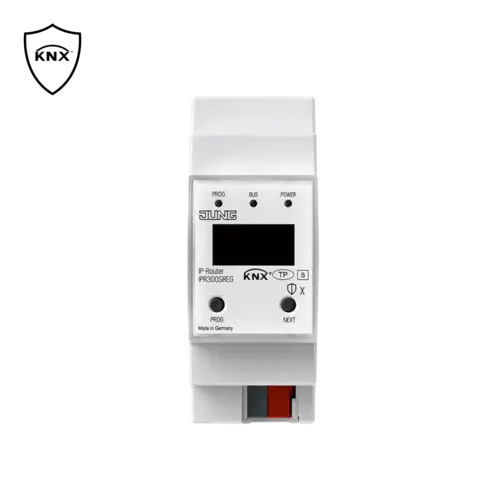
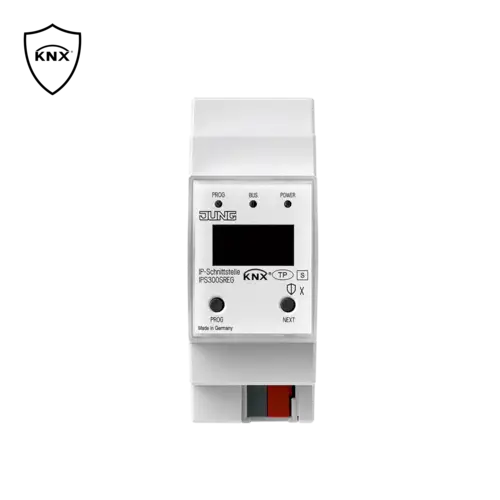
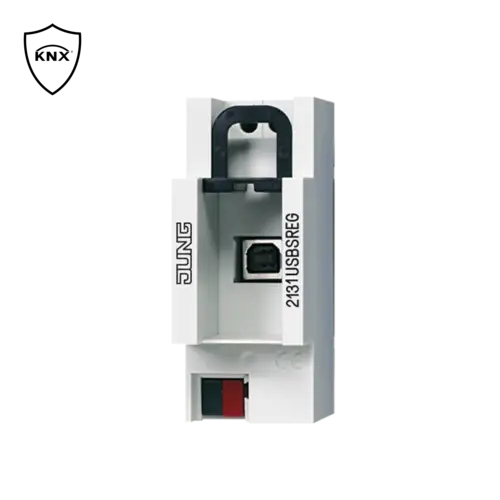
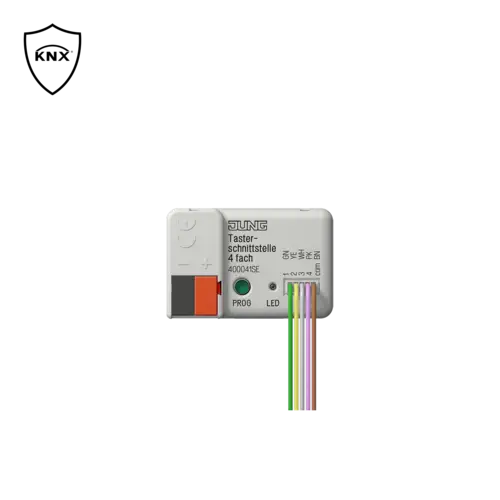
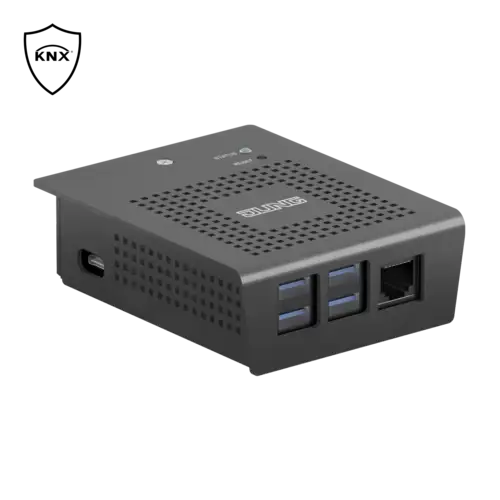
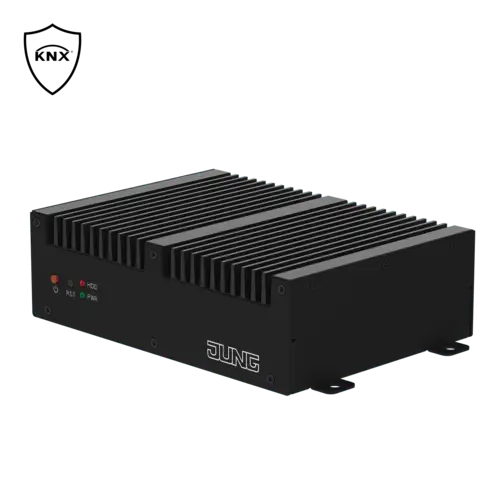
JUNG offers secure KNX system technology with a comprehensive range of components: from the basis with the KNX switch and blinds actuators, the KNX push-buttons and system components such as line couplers, IP routers, IP interface or USB data interface up to visualisation. Solutions with JUNG KNX Secure guarantee data security based on the most modern encryption processes.
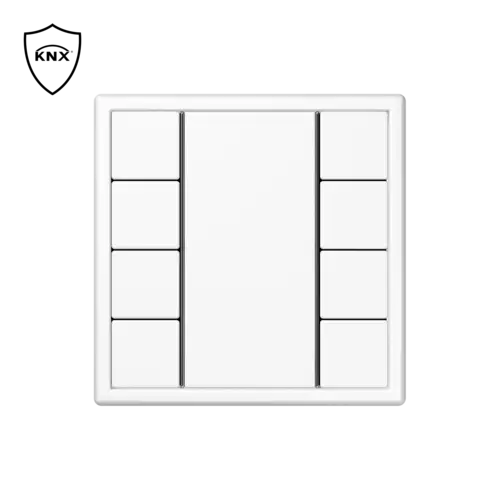
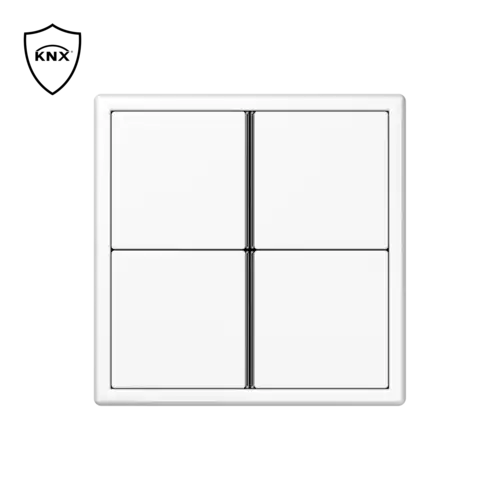
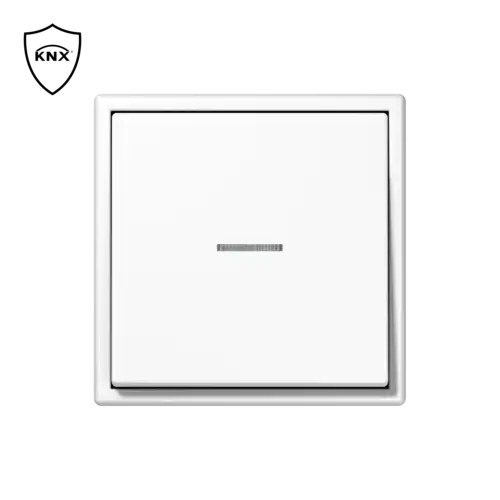
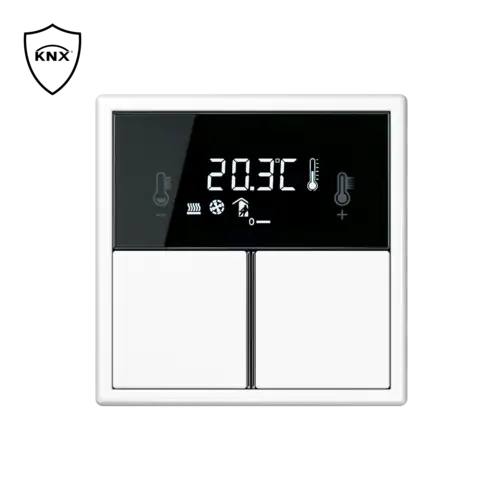
Manual sensors



Actuators

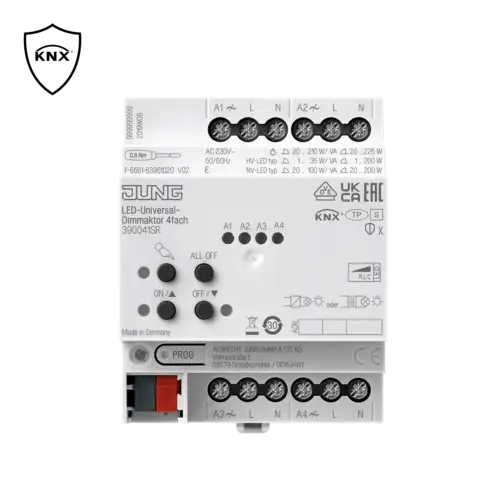
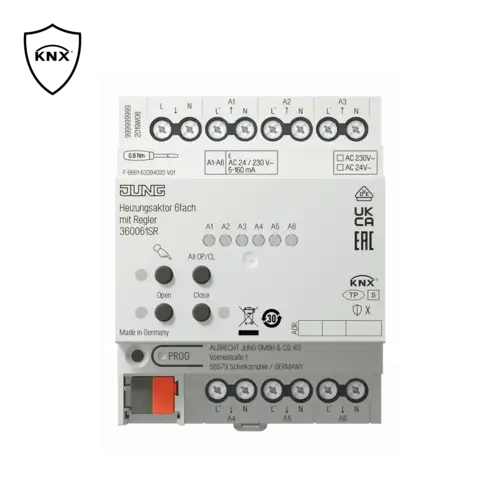
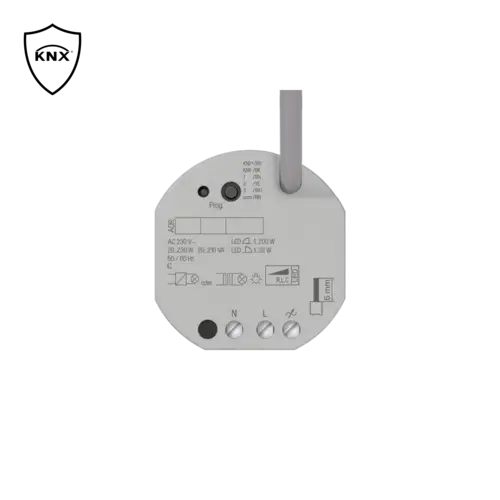


System components
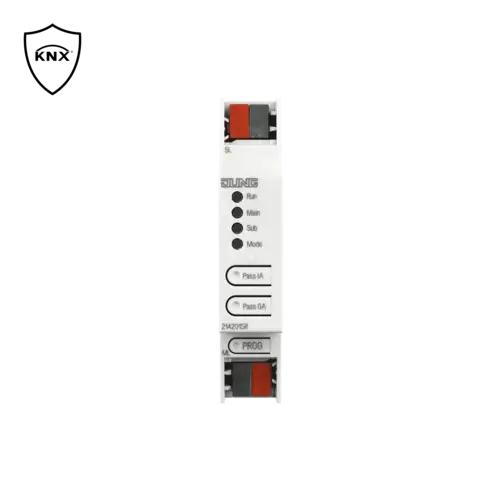
Central control and gateways

Download databases quickly & easily
The JUNG online catalogue contains databases, data sheets and much more for every KNX Secure product. Integrators always have all the information and downloads quickly and clearly available.
Application examples/use cases

A new warehouse fits logistically and architecturally into the arrangement of the existing building. Similarly, there is no need to rethink automation in order to integrate the new warehouse into the existing KNX system.
Use the already used central devices (e.g. weather station, visualisation) of the existing system and enhance them with the devices in the newly built section.
Objective of the project
- Resource and cost saving expansion of an existing system
- Utilisation of synergy effects from the existing system
- Galvanic separation of the new sections
- Increase of the maximum expansion length
Steps in ETS
- Add new line
- Add IPR 300 S REG as KNX IP router
- Use IPR 300 S REG in unencrypted mode
- Activate and put filter tables into operation
- Commission all other devices according to the manufacturer specifications
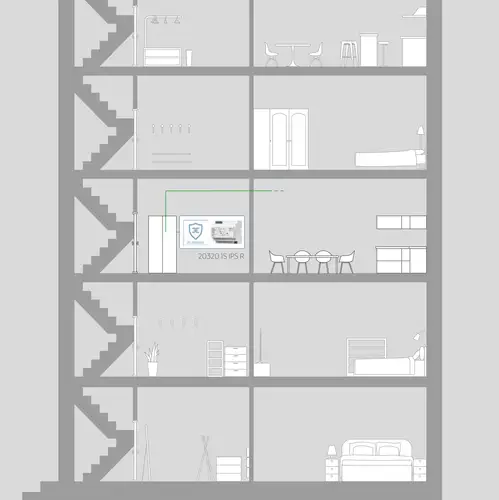
Individually design your own realm: KNX provides many automation possibilities. For a new building, create a new KNX project. Then integrate the desired devices after the power supply with IP interface.
With optimal selection of devices you reduce power consumption and increase efficiency. If needed, simply retrofit a visualisation without extending the KNX system components.
Objective of the project
- Resource and cost saving construction of a new installation
- High performance and future-proof installation
Steps in ETS
- Create a new project.
- Add new line
- Add 203201SIPSR as KNX data interface
- Commission all other devices according to the manufacturer specifications

Your own four walls to your own taste. Here, KNX offers many individual automation possibilities. For a new building, create a new KNX project. To do so, you need an IP interface and then integrate the required devices.
The optional software upgrade of the interface enables remote planning and maintenance: after commissioning, it is thus possible to access the system from outside of the customer network - naturally with the permission of the house owner. Remote maintenance means no more driving time. If needed, a visualisation can be retrofitted without extending the KNX system components.
Objective of the project
- Resource and cost saving construction of a new installation
- High performance and future-proof installation
In connection with the optional software upgrade:
- Subsequent project design possible without travel costs
- The highest level of security during commissioning even from outside the customer network
Steps in ETS
- Create a new project.
- Add new line
- Add IPS 300 S REG as the KNX data interface
- Commission all other devices according to the manufacturer specifications
In connection with the software upgrade
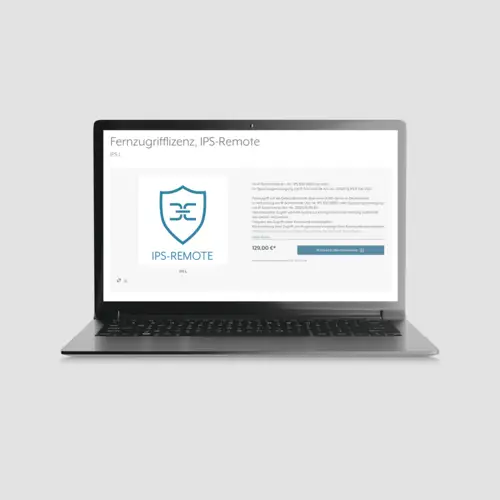
- Purchase the IPS Remote licence via MyJUNG
- Allocate project password
- Use IPS 300 S REG in encrypted mode
- Input the device certificate
- Allocate the release code for the remote configuration
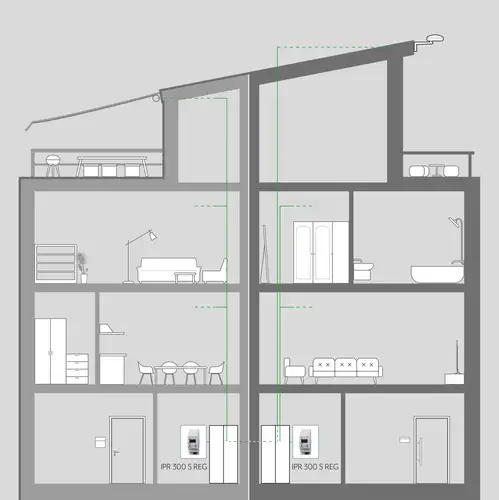
Two homes under one roof. Here, KNX offers many individual automation possibilities. For a new building, create a new KNX project. You take account of each party with its own KNX IP router and then integrate the desired devices.
This division ensures that each party can only access its own KNX island system. At the same time, central components can, however, be jointly used. In this way, a central weather station provides the two individual house parties with data relevant for automation.
Objective of the project
- Exact separation of both living areas
- Joint use of central components
Steps in ETS
- Create a new project.
- Add new lines
- Add IPR 300 S REG as an IP router in each case
- Use IPR 300 S REG in unencrypted mode
- Activate and put filter tables into operation
- Activate the lock for reprogramming the sub-line (e.g. exterior)
- Commission all other devices according to the manufacturer specifications
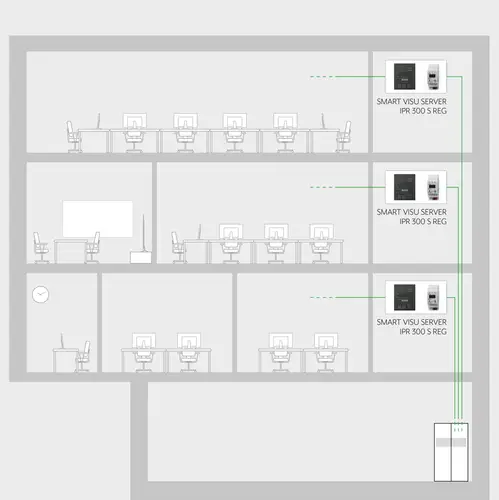
The demands on multi-floor office buildings are as various as the world of work. For such a new building, you should provide one KNX IP router and one Smart Visu Server per floor. Thus, each floor can function for itself, but still be managed centrally.
If a floor is modernised during its useful life, all other areas are optimally protected against possible construction work damage. Central devices, such as a weather station, are simply integrated into the overall system via a separate or existing KNX IP router. It is recommended to plan a separate line for the central devices.
Objective of the project
- Functional reliability of the entire system
- Guaranteed connection between the visualisation and the KNX bus
- Galvanic separation in the event of a fault
- Increased speed of transmission of central commands
- Reduced cabling costs (only install network in each section)
Steps in ETS
- Create a new project.
- Add line
- Add IPR 300 S REG as an IP router in each case
- Use IPR 300 S REG in unencrypted mode
- Activate filter tables
- Use and start up the preferred connection in the application (for visualisation communication)
- Establish IP tunnelling for visualisation (use reserved tunnel)
- Commission all other devices according to the manufacturer specifications
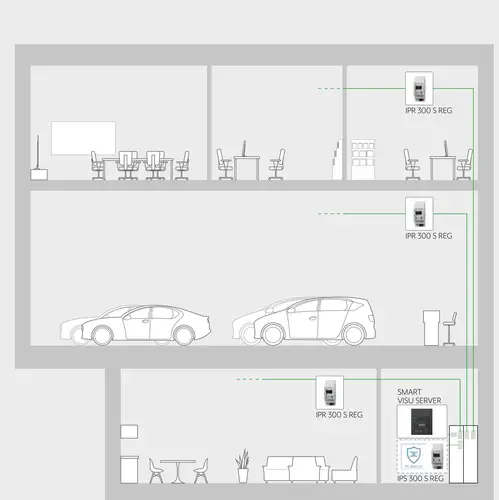
When planning a car dealership, the organisational, economic and architectural viewpoints should be considered. It is important in addition to be able to easily optimise the building in the future.
To this end, use one IP router per working area. In addition, provide a Smart Visu Server as the central control component. Thus, each area can function for itself, but still be managed centrally. If an area is modernised during its useful life, all other areas are optimally protected against possible construction work damage. You should plan a separate line for the central devices.
After commissioning, individual optimisation of the system can also be made possible from outside the customer network. For this you need an additional IP interface and the software upgrade for the interface.
Objective of the project
- Functional reliability of the entire system
- Guaranteed connection between the visualisation and the KNX bus
- Galvanic separation in the event of a fault
- Increased speed for transmission of central commands
- Reduced cabling costs (only install network in each section)
In connection with the optional software upgrade:
- additional project configuration possible without travel costs
- The highest level of security during commissioning even from outside the customer network
Steps in ETS
- Create a new project.
- Add lines
- Add IPR 300 S REG as an IP router in each case
- Use IPR 300 S REG in unencrypted mode
- Activate filter tables
- Use and start up the preferred connection in the application (for visualisation communication)
- Establish IP tunnelling for visualisation (use reserved tunnel)
- Commission all other devices according to the manufacturer specifications
In connection with the software upgrade:
- Add IPS 300 S REG as the KNX data interface
- Purchase the IPS Remote licence via myJUNG
- Allocate project password
- Use IPS 300 S REG in encrypted mode
- Input the device certificate
- Allocate the release code for the remote configuration

Create professional feel-good factors with building automation: provide your guests with the highest level of comfort with state of the art technology in the background and operate your hotel building with maximum energy efficiency.
A central weather station allows location-based weather data to flow into the building automation system. The heating regulation is reduced with rising outdoor temperatures and thus saves money and resources. The system should be operated in a fully encrypted KNXnet / IP network so that you can always benefit from these advantages. This makes potential hacker attacks on your building automation infrastructure significantly more difficult.
Objective of the project
- Resource and cost saving construction of a new installation
- Optimisation and automation of daily processes
- Protection of the customer data
- Encrypted communication
- Protection from hacker attacks
- High performance and future-proof installation
Steps in ETS
- Create new project and assign project password
- Add lines
- Add IPR 300 S REG as an IP router in each case
- Use IPR 300 S REG in encrypted mode
- Input the device certificate
- Change commissioning password (optional)
- Change authentication code (optional)
- Activate filter tables
- Use and start up the preferred connection in the application (for visualisation communication)
- Establish IP tunnelling for visualisation (use reserved tunnel)
- Commission all other devices according to the manufacturer specifications
Additional note
- Passwords are not required when the project is open.
- The commissioning password must be entered if the project is not open.
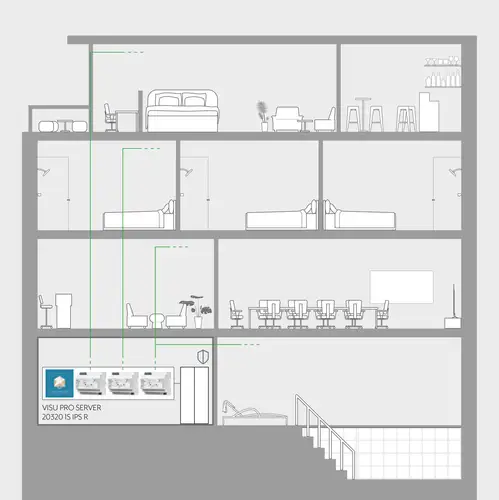
Modern hotels set new standards for individual convenience. Provide added value for your guests with building automation and relieve hotel personnel. The smart hotel can cover several areas.
For example, the temperature in all rooms can be set or changed from a central location. A DND (Do Not Disturb) or MUR (Make Up Room) request from the guest can also be viewed at a central location. This allows you to optimally plan and execute the daily cleaning process. As sensitive data are also transmitted in such a hotel, we recommend protecting the data using state of the art technology. Operate a fully encrypted KNXnet/IP network for this to protect your guests and customers. The protection of customer data has the side effect that you as hotel owner are also optimally protected against hacker attacks on your building automation technology.
Objective of the project
- The security of guest data has the highest priority
- Communication according to the latest security standards
- Each section is considered as its own "island"
- Project design can be reproduced almost infinitely
- JUNG Visu Pro (JVP) Hotel manages central information of each "island" via the KNX-IP interface
- The required knowledge is reduced to a minimum in the event of a fault
- Minimisation of spare device storage
- Replacement devices can be pre-programmed
Steps in ETS
- Create new project and assign project password
- Add lines
- Add 203201SIPSR in each case as an IP interface
- Use 203201SIPSR in encrypted mode
- Input the device certificate
- Change commissioning password (optional)
- Change authentication code (optional)
- Use and start up the preferred connection in the application (for visualisation communication)
- Establish IP tunnelling for visualisation (use reserved tunnel)
- Commission all other devices according to the manufacturer specifications
Additional notes
- Passwords are not required when the project is open.
- The commissioning password must be entered if the project is not open.
Newsletter JUNG
Actualités produits, références architecturales et tendances de la maison intelligente : grâce aux newsletters JUNG, vous êtes toujours parfaitement informé des dernières tendances et nouveautés.