0
For architects
DIGITAL PRINTING

Designed in abrasion-resistant digital printing, JUNG products are unmistakable.

START DIGITAL PRINTING

start

LASER PRINTING

Refine the surfaces of JUNG as desired with high-quality laser engraving.

START LASER ENGRAVING

Start

LABEL PRINTING

Mark labeling areas individually with text, symbols or motifs.

START LABEL PRINT

Start

The intuitive tool for customizing JUNG products.

With the GRAPHICTOOL you can mark switches, sockets, buttons, room controllers and many other JUNG products easier than ever.

Start with the full range of editing options.

start

start

GRAPHICTOOL

Start with the full range of editing options.

If you have already created a project, please log in below with your myJUNG account.

start

start

Already have a myJUNG account?

myJUNG registration

I want to try GRAPHIC TOOL without obligation.

Try now

The JUNG GRAPHIC TOOL

With the GRAPHIC TOOL, you can customise the inscriptions on switches, sockets, push-buttons and many other JUNG products.

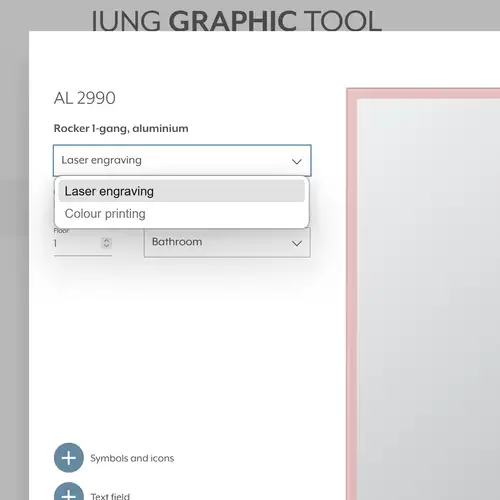
Using the JUNG GRAPHIC TOOL, you can customise and order our products, which are delivered ex-works with a laser engraving or colour printing. It is also possible to design inscription fields which you can print onto paper or foil using your own printer. A library offers an extensive selection of symbols.

Colour printing

When printing on our components, we use two methods: digital colour printing and pad printing
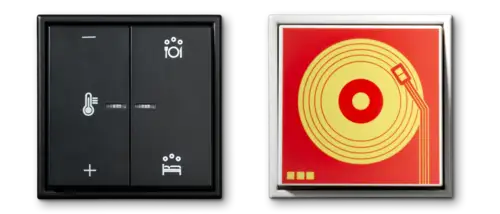
Digital colour printing

For colour printing, JUNG uses the inkjet printing process.

This produces dynamic print images and allows for complex colour gradients. The print image is transferred directly to the inkjet printer. The subsequent thermal curing process bonds the ink to the printed material, creating a long-lasting, abrasion-resistant finish.

Colour selection
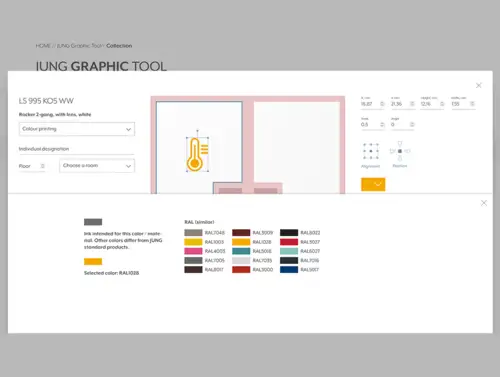
Due to the high temperatures involved in the curing process, multi-colour printing is only possible for a selected range of products. In GRAPHIC TOOL, you can tell whether inkjet printing is an option by the fact that you can change the colour of the symbols or the text box via a context menu.

If you cannot change the print colour, this means the colour is predetermined by the pad printing process.

Pad printing

Pad printing is a process in which the colour is transferred from a printing plate to the product using an elastic pad.

Pad printing is suitable for larger quantities and allows printing on dark surfaces. High temperatures caused by the colour drying are not required. Colour transfer is approximately 100 per cent.

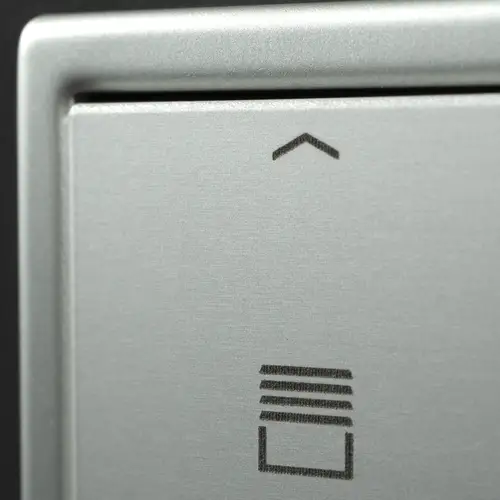
In the GRAPHIC TOOL, JUNG specifies a selected colour. This is identical to the symbols on our pre-inscribed catalogue items. (Examples: Venetian blind rocker switch with arrows / door release rocker switch with key symbol)
This ensures visual consistency between custom-designed products and catalogue products.

Our pad printed products are always produced with a pre-defined colour. Multi-colour printing is not possible.

Laser engraving

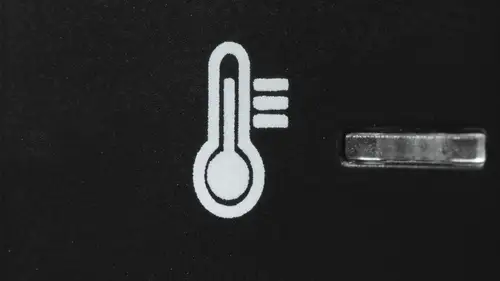
Laser treatment enhances surfaces and gives products a personalised touch.
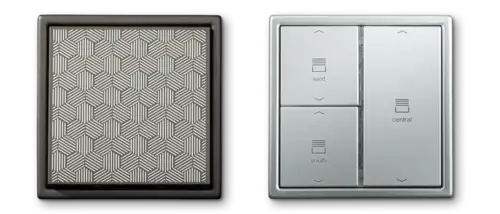
The engraving is permanent and highly abrasion-resistant. However, the precise laser beam heats the material considerably. Consequently, laser engraving cannot be used on all products. During the laser process, material is removed. Per substrate and the duration of laser exposure, a different colour change occurs.
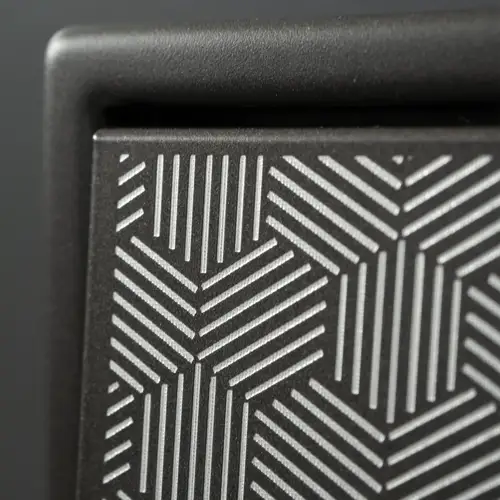
Light colour change
Dark colour change
Is laser treatment possible?
Use the pull-down menu to find out whether the laser process is available for the selected product.

Labelling

Design inscription fields and print them onto paper or foil using your own printer

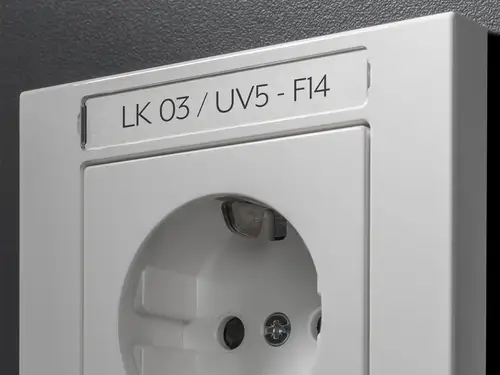
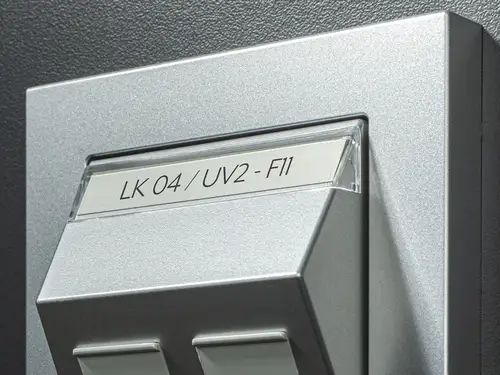
Many JUNG products already feature an inscription field. Using the GRAPHIC TOOL, we offer the option to customise these inscription fields with text, symbols or designs. Colour options are also available on request. Simply print the generated labels on paper or foil using your own printer. Cut them to size, place them behind the inscription fields, and the function of each switch will be clear and easy to understand for everyone.

Inscription fields F50
Inscription fields – Frame
Inscription for network sockets