
KNX F 50 push-button - designed to control
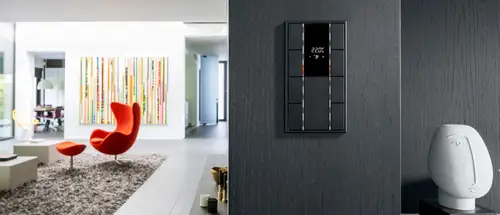
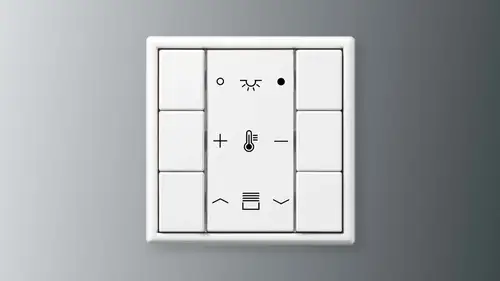
Precise workmanship meets a concise design language: the F 50 push-button impresses with its concept. It is a multi-functional control unit used for controlling light, shading, temperature and many other parameters in the KNX system.

Operate smart building technology intuitively
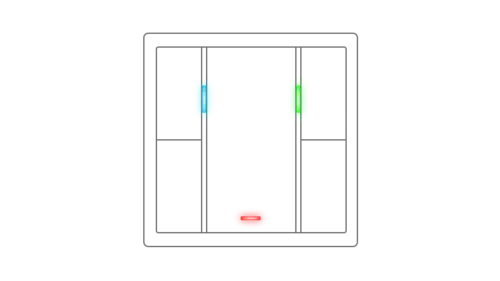
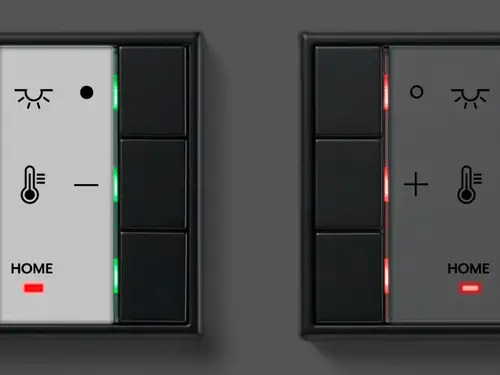
With an aesthetically pleasing yet purposeful placement of buttons, alongside coloured LEDs that indicate the switching state, the F 50 push-button's design allows users to operate intended functions with ease.


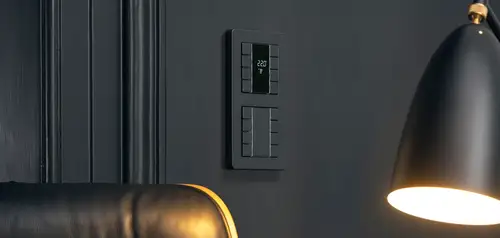
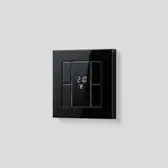
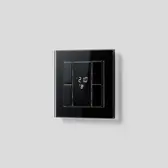
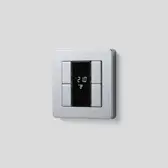
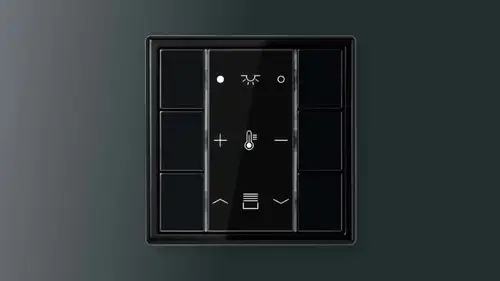
Acting either as a harmonious accent or a stunning visual statement to interiors, the F 50 is available in high-quality materials and colours, including but not limited to stainless steel, anthracite, dark, chrome or brass.
Choosing the right design
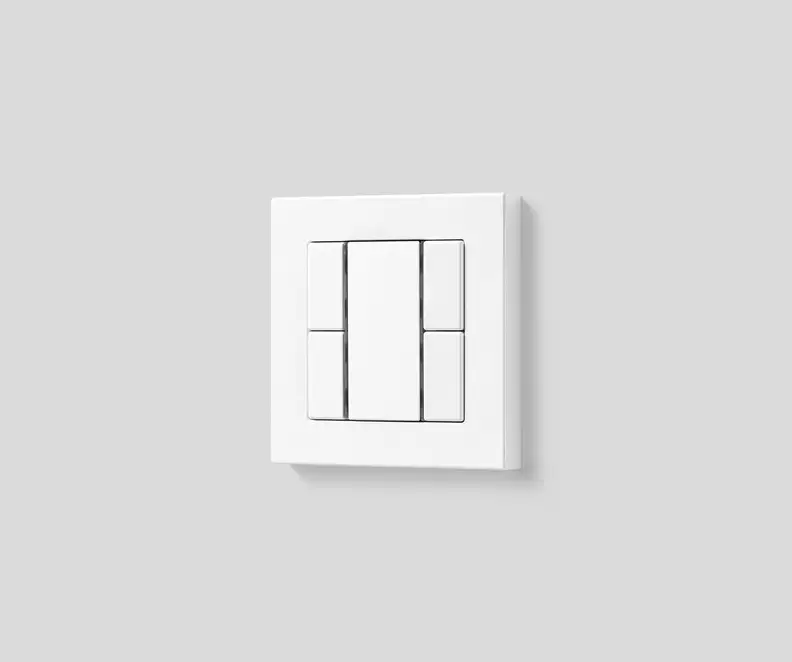
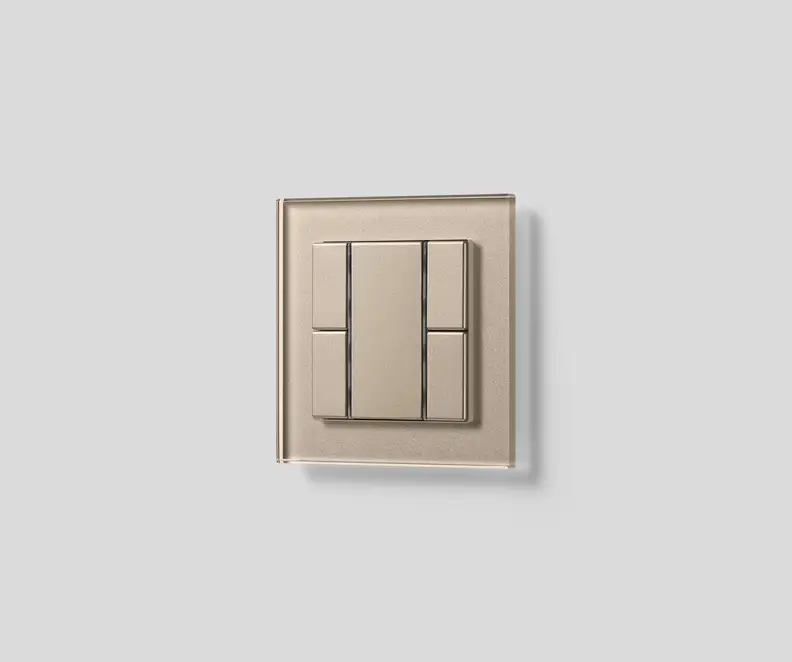
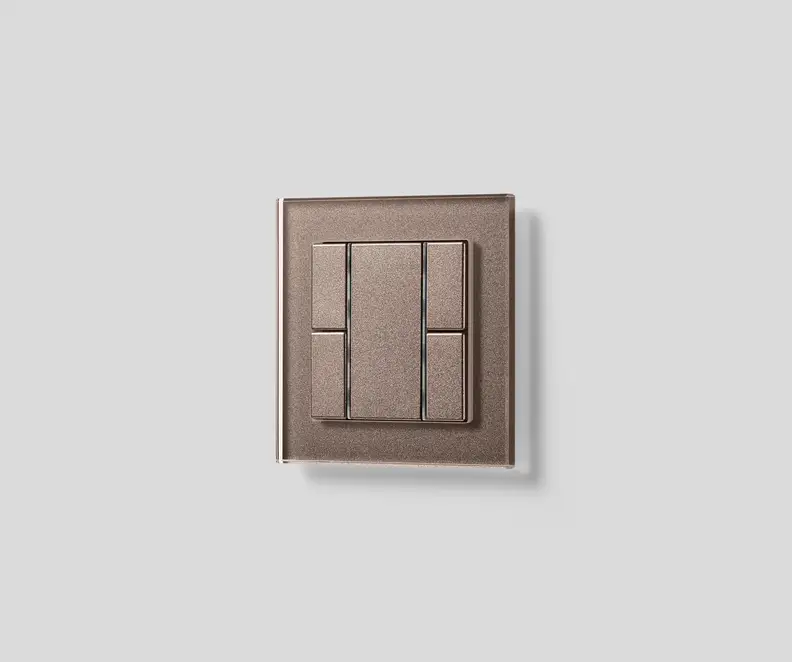
To suit every interior and create the intended effect for users, the F 50 is available in a variety of designs within the LS and A ranges.





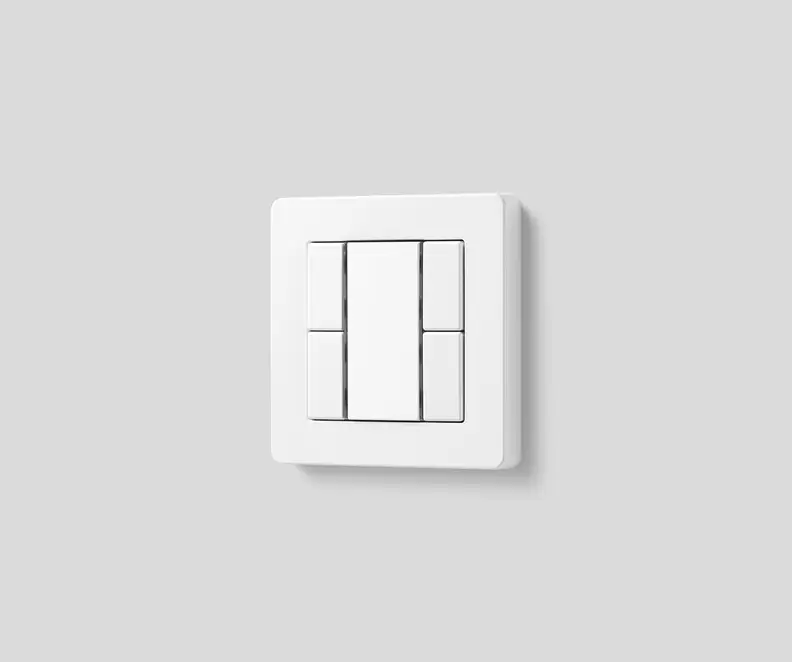
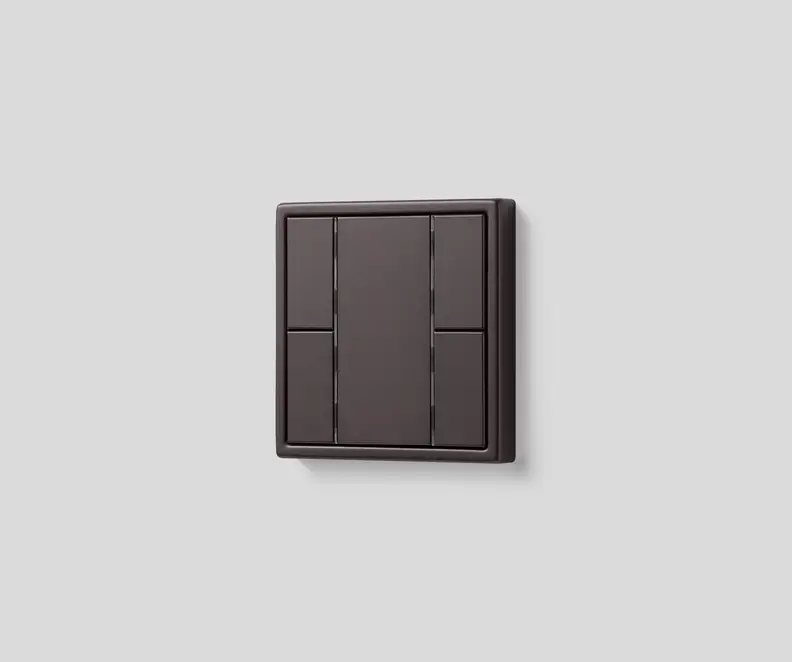
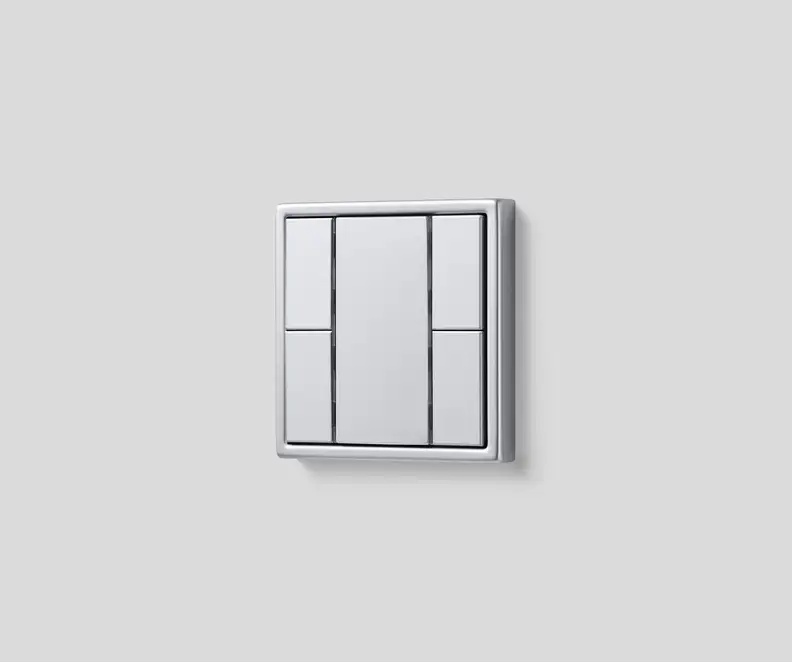

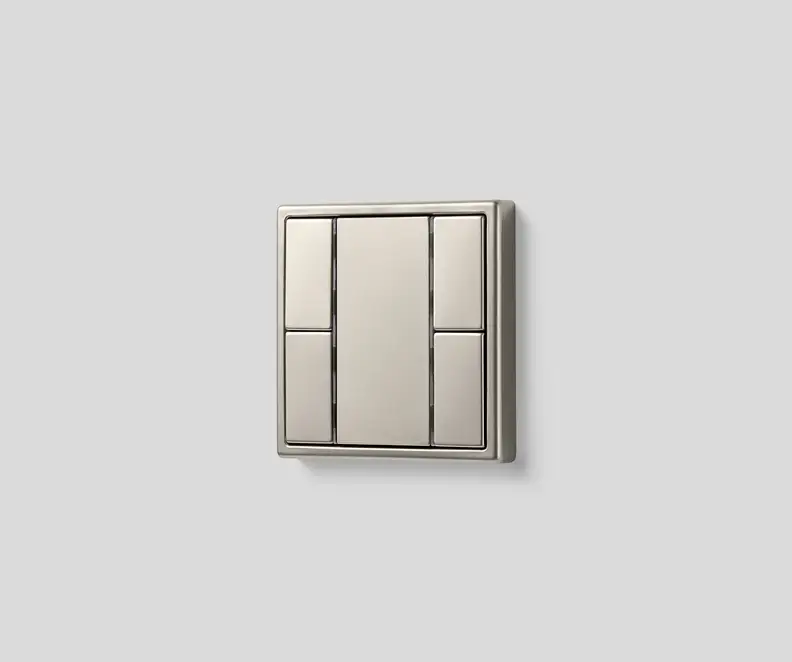
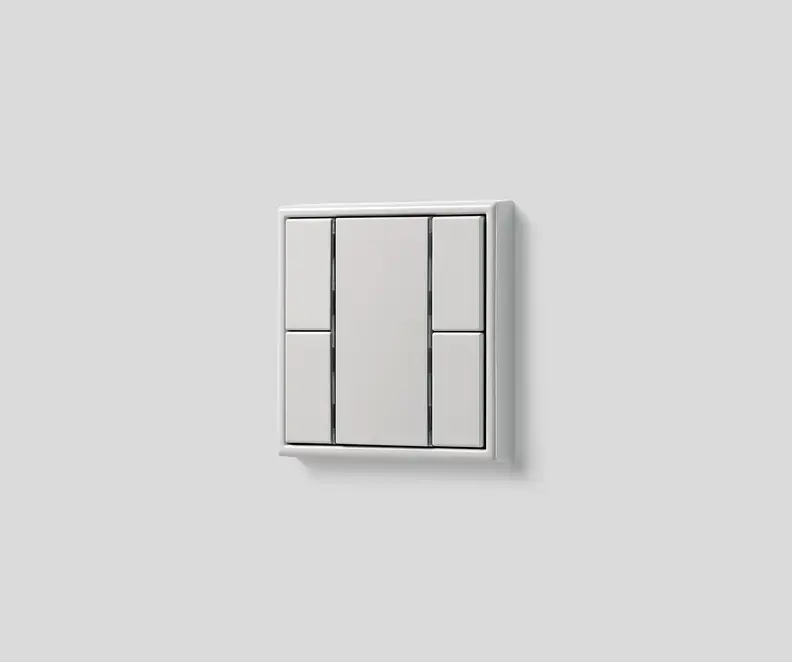
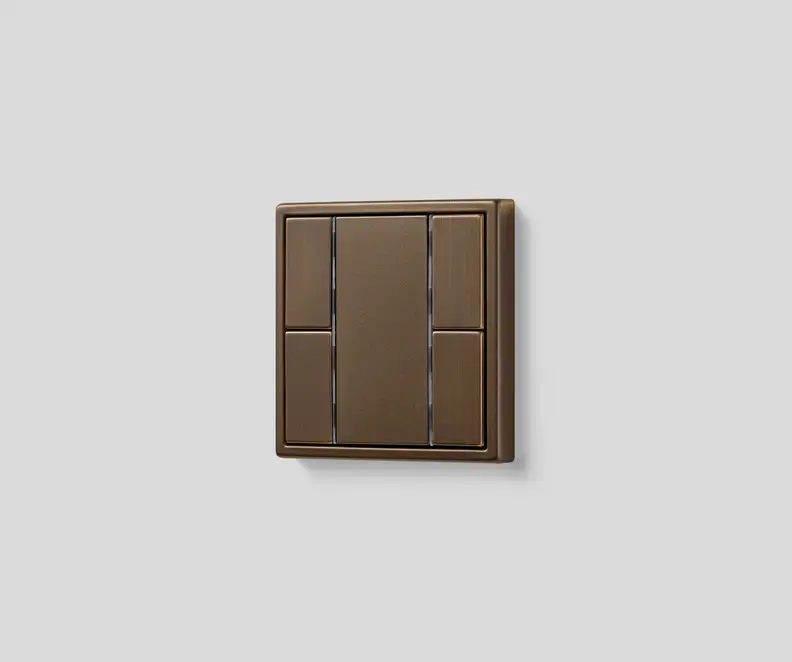
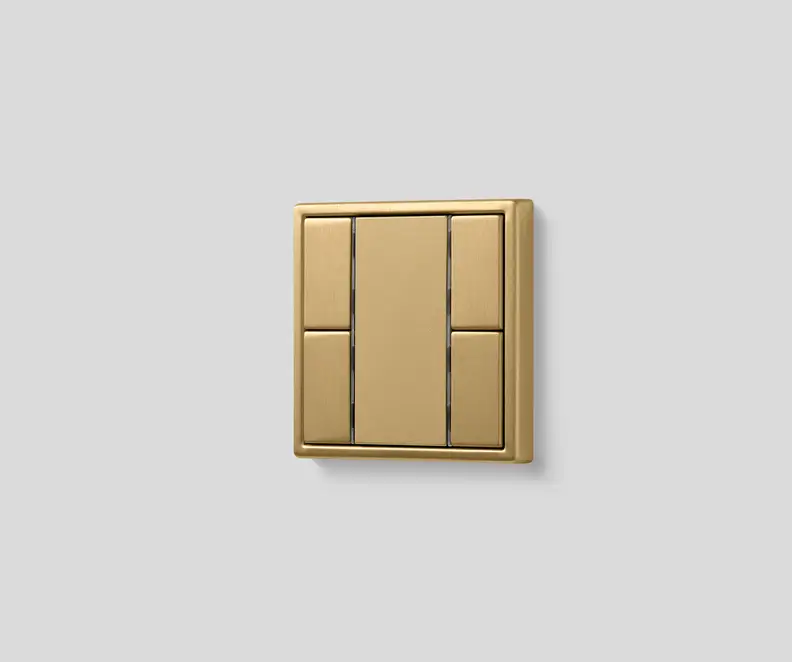


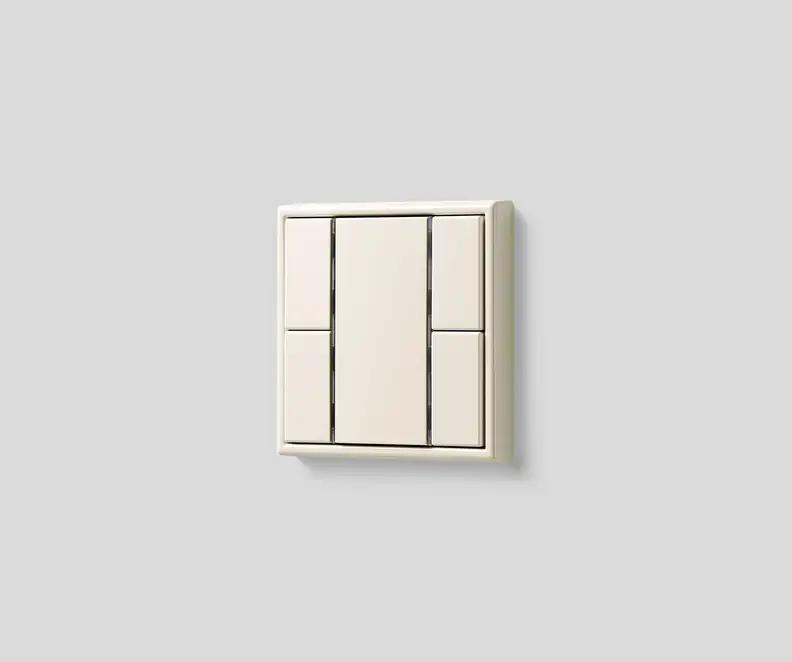


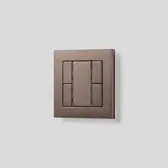


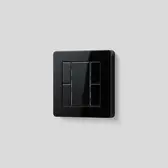

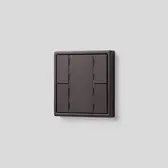


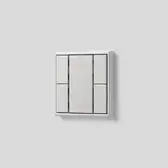
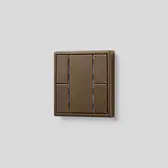

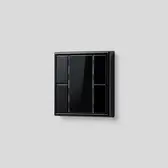
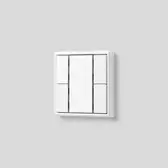
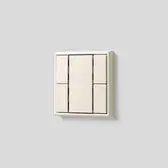


Colour creates atmosphere

Le Corbusier's universal colour system, the Polychromie Architecturale, inspires with a timeless colour palette and noteworthy combinability. As an exclusive partner, the F 50 is also available in the 63 original Les Couleurs® Le Corbusier colours.
Flexible usage for building control
Within the F 50 design range, another spectacular version is the KNX Radio Frequency (RF) range, which works wirelessly and can be flexibly situated thanks to its battery-operated concept. Both the standard F 50 and those of the KNX RF version can be used in the same installation.

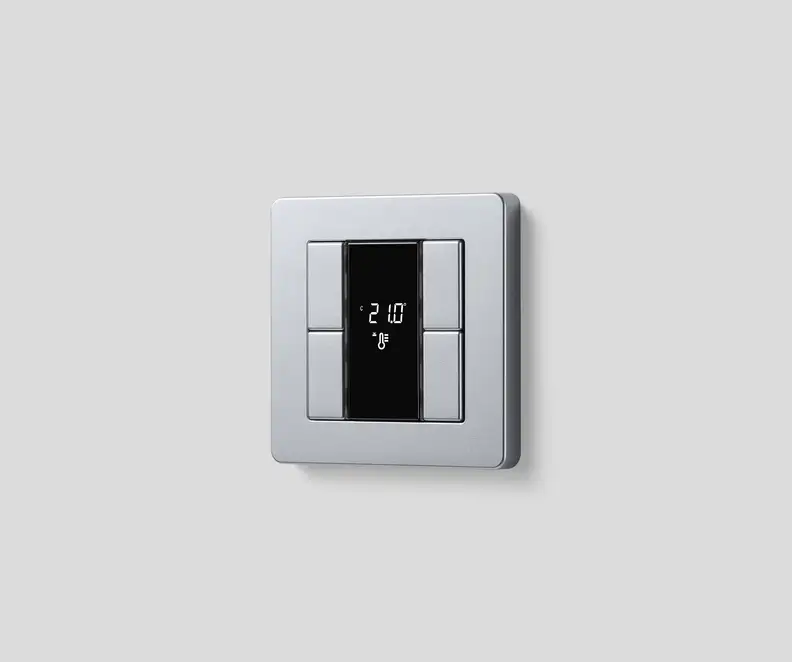
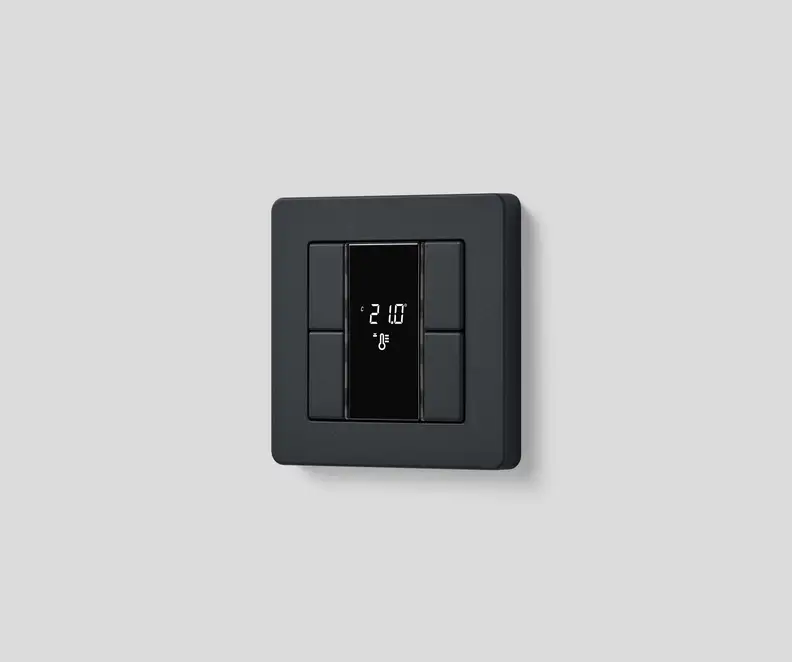
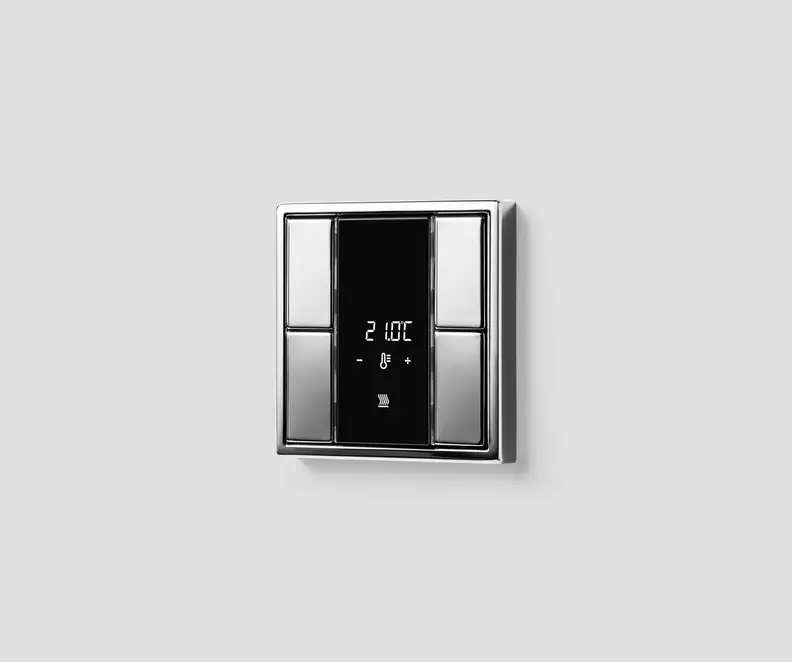
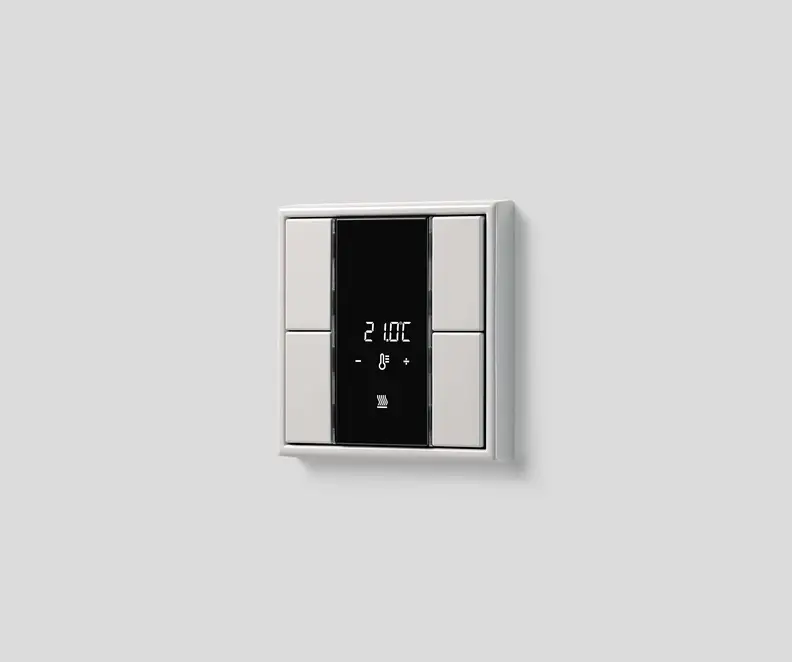
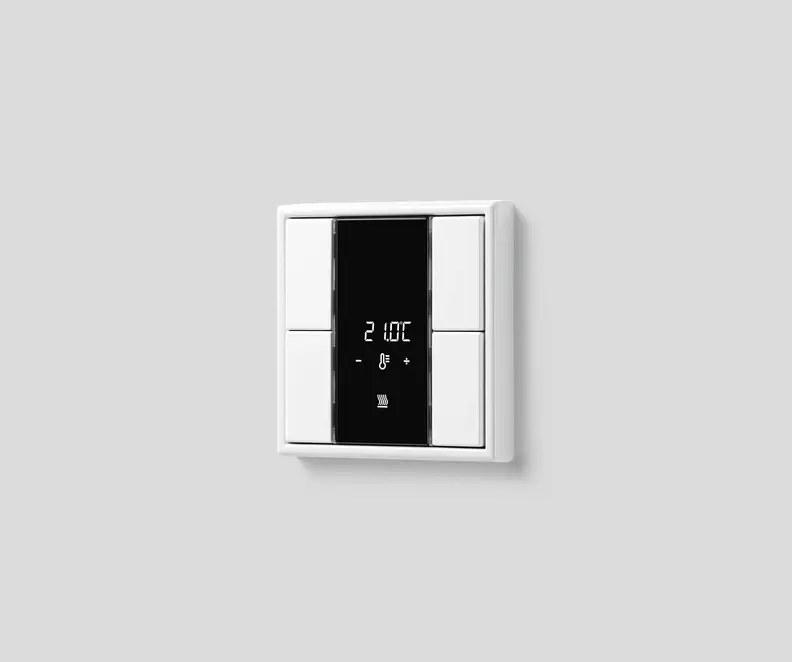
KNX F 50 compact room controller
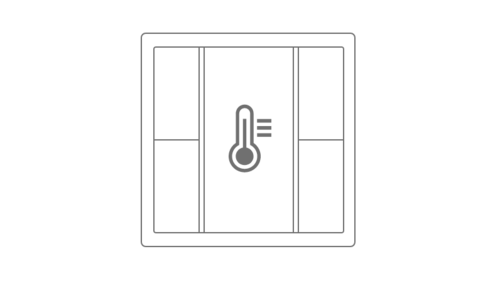
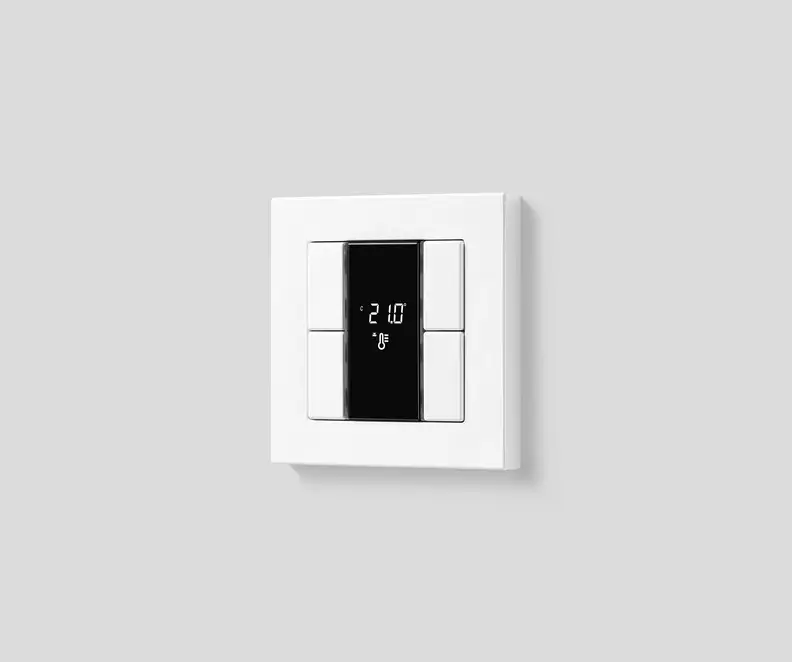
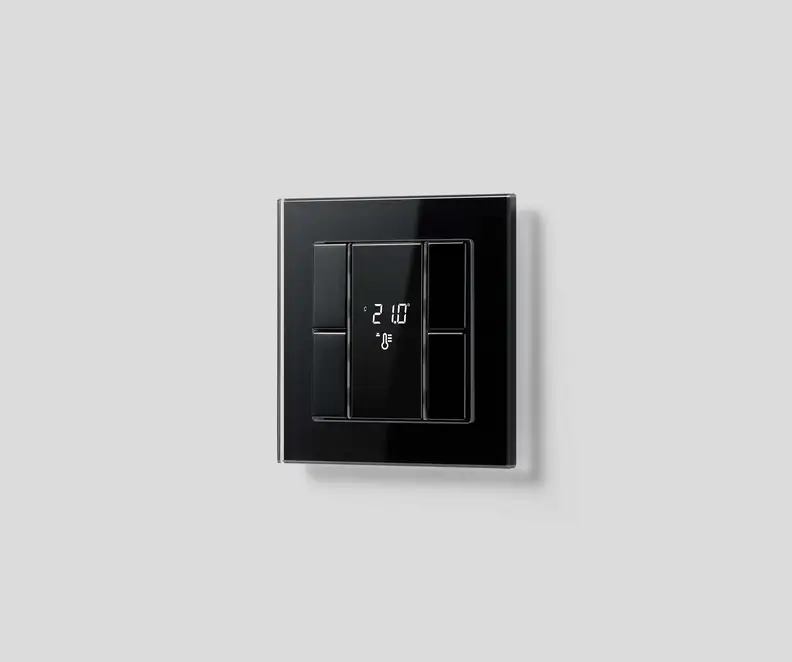
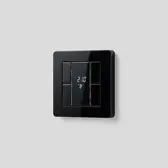
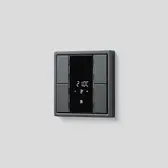
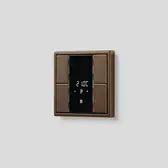
The F 50 KNX room controller, with its clear display showing adjustable controls and parameters, impresses with its operating concept.
The KNX compact room controller is equipped with two integrated temperature controllers and a backlit LC display that shows important values and functions from every viewing angle. Depending on the functions required, the button icons shown on the display can be individually selected during programming. Each button can be marked and identified with the GRAPHICTOOL to avoid confusion, and the RGB LED lights indicate the status of the building technology.
The advantages at a glance:
- uniform design matching with the standard F 50 push-button
- light, shading and temperature control in one device
- good readability from every angle due to the backlit LC display
- demand-based room temperature control through integrated temperature sensor
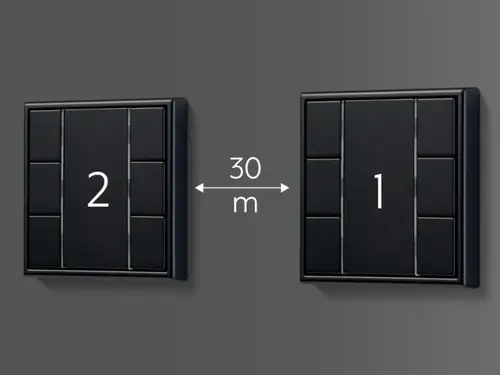
- independent control of a second room with an external temperature sensor
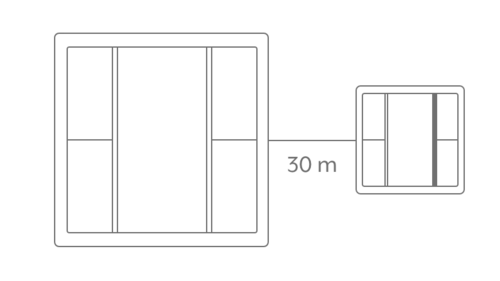
- cost reduction of up to 30 percent due to individual control of two rooms with 1 room controller plus an extension module























Fully customisable
With the JUNG GRAPHICTOOL, the F 50 push-button can be fully customised; engraving on the buttons, printing on the inscription field, or both.
Highly functional operation
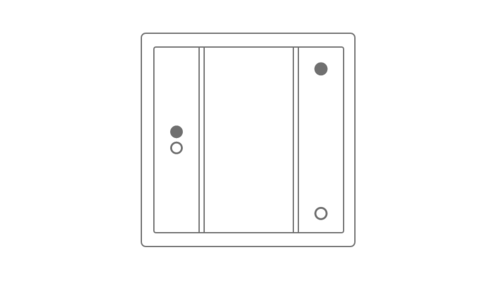
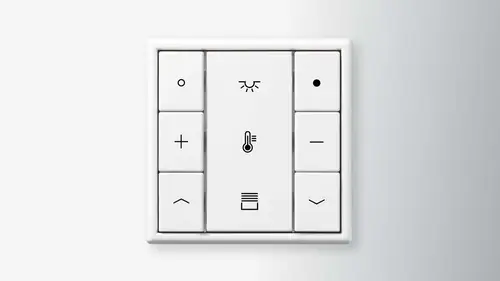
Buttons on the F 50 can be configured exactly to your needs and building technology, for example, dimming coloured lights with one and making lights brighter with another. Each individual button supports either one or two-button operation, covering up to two functions. Scenes, or a collection of multiple functions to set an atmosphere, can also be configured within a single button, activating it with ease.
Smart technology for everyone
Storing information on different scenes, supporting cost-efficient extensions of the electrical installation and embodying an installation-friendly concept: the F 50 push-button impresses installers on the site just as much as the owner in the finished home.

Discover the Live Services from JUNG


JUNG Newsletter
Product news, architecture references and smart home trends: With our JUNG newsletters you are always well informed when it comes to trends and news.