
Smart Control 8 - for the entire building technology
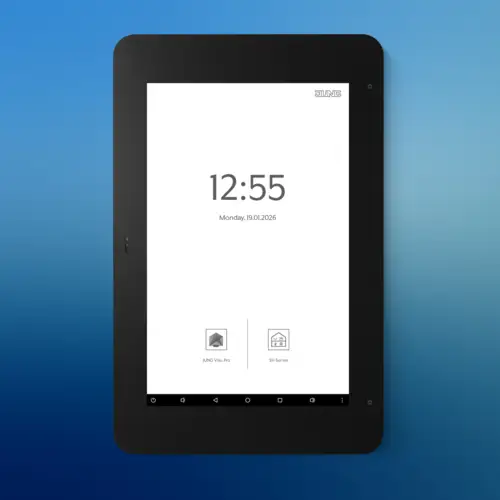
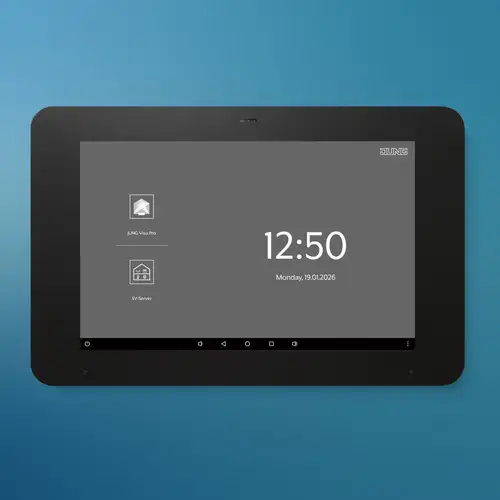
With its 8-inch display (20.32cm), Smart Control 8 features a high-resolution HD screen with a high level of detail that gives a clear overview of numerous functions from door communications to controlling smart homes.
The customisable screen brightness ensures a clear and intelligible display, even with variable lighting conditions. Brilliant colour, sharpness and ultra-modern display technology make it as user-friendly as the latest tablets. The high level of detail delivers a clear overview of the numerous functions. You have the option of using the touch display as a door communication system (in combination with a Siedle Smart Gateway operated via an In-Home bus) and as part of your smart home (in combination with a Smart Visu Server or Visu Pro Server via KNX).
As the operating system for JUNG's intelligent building technology, the JUNG Launcher makes Smart Control 8 the client for the four different systems and, in combination with the server, gives you the maximum amount of flexibility to control your home intuitively via the touch panel.
Functions and sensors
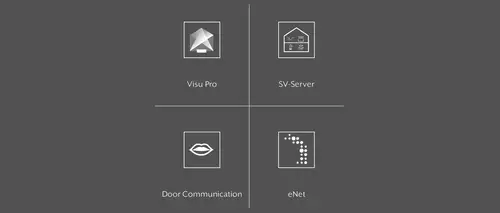
JUNG Visu Pro, Smart Visu Server, the Siedle app or the eNet SMART HOME app: you can choose what system to control with your Smart Control 8. The apps are factory pre-installed.

Thanks to the proximity sensor, the Smart Control 8 wakes up from standby as soon as you stand in front of it. The brightness sensor adjusts the display brightness to the ambient light conditions.

The navigation bar at the bottom of the screen gives you complete access to your apps. You can also hide the bar if you want to.

The button on the bottom edge of the Smart Control 8 switches the display on and off. A short press during operation opens the JUNG Launcher.
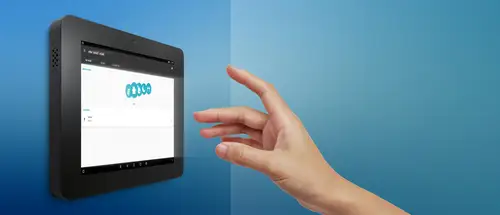
Automatic proximity detection
The proximity sensor helps you save energy, while also ensuring that all functions remain immediately available when needed as it activates the display whenever you stand in front of the Smart Control 8.
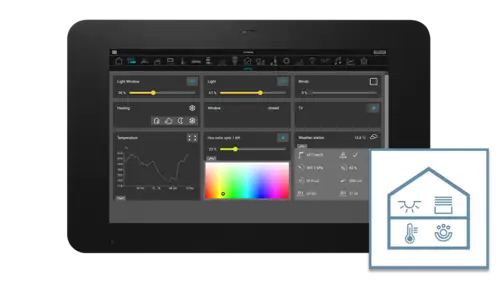
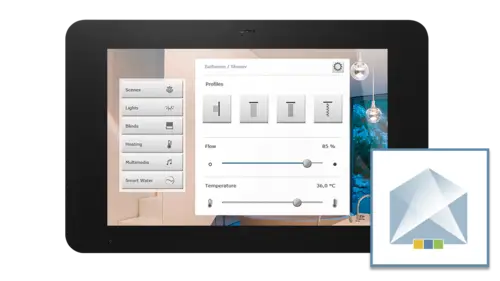
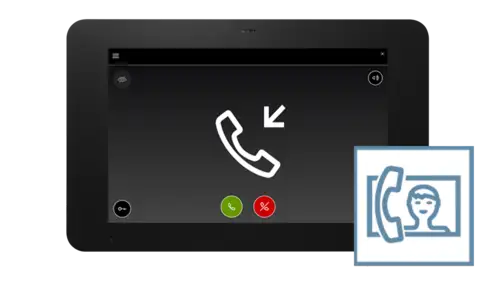

Smart Control 8 in detail
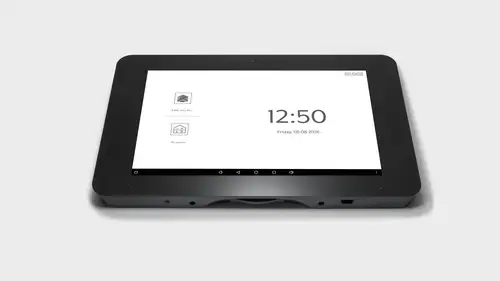
At just 16 millimetres deep, the touch display is particularly thin and sits discretely on the wall. The touch screen also has a large range of functions.
All the main connectors are incorporated on the rear side. The HOME button is located on the lower edge, which can be used to start the device or access the JUNG Launcher. The Smart Control 8 is particularly suitable for modernising: the display can be retrofitted into many existing boxes. The touch display screen fits onto the familiar EBG 24 and SC 7 EBG flush-mounted housings. Installation onto standard appliance boxes in accordance with EN 60670-1 is also possible. The recommended box depth is around 60 millimetres.
Mounting and fitting


If you are using a Smart Panel 5.1, LCD signal panel or a Facility Colour Touch Panel IP, you can use the same flush box for the JUNG Smart Control 8. The touch screen fits perfectly into existing boxes with no gaps.


Discover the Live Services from JUNG


JUNG Newsletter
Product news, architecture references and smart home trends: With our JUNG newsletters you are always well informed when it comes to trends and news.